Uploads by Joro
Jump to navigation
Jump to search
This special page shows all uploaded files.


| Date | Name | Thumbnail | Size | Description | Versions |
|---|---|---|---|---|---|
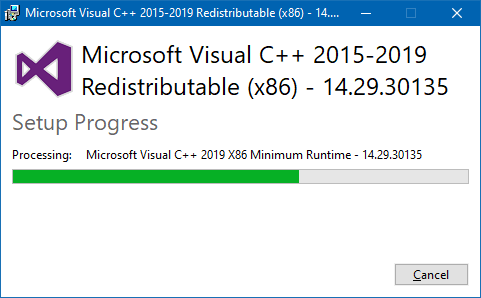
| 10:36, 21 February 2022 | DriversExeUpdatingMicrosoftRuntime.png (file) |  |
12 KB | A screenshot of the Drivers.exe installation program that is updating the Microsoft Visual C++ runtime files. | 1 |
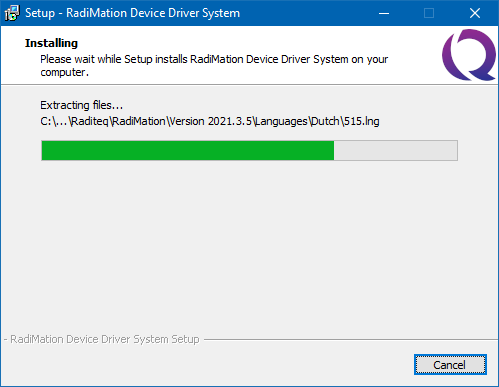
| 10:34, 21 February 2022 | DriversExeInstalling.png (file) |  |
12 KB | A screenshot of the DRIVERS.EXE that is installing files | 1 |
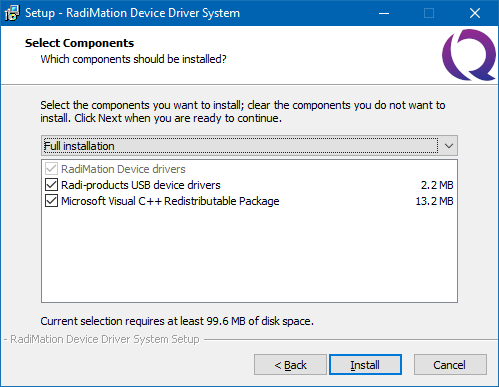
| 10:30, 21 February 2022 | DriversExeComponentsSelection.png (file) |  |
16 KB | A screenshot of the drivers.exe installation program. It shows the selection of the components. In this screenshot ALL the components are selected to be installed. | 1 |
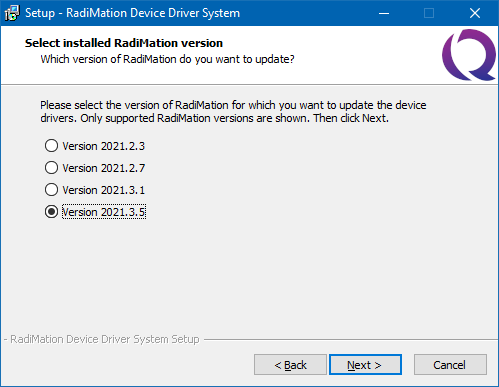
| 10:27, 21 February 2022 | DriversExeVersionSelection.png (file) |  |
13 KB | Shows a screenshot of the Drivers.exe program, where the version to be installed is shown. | 1 |
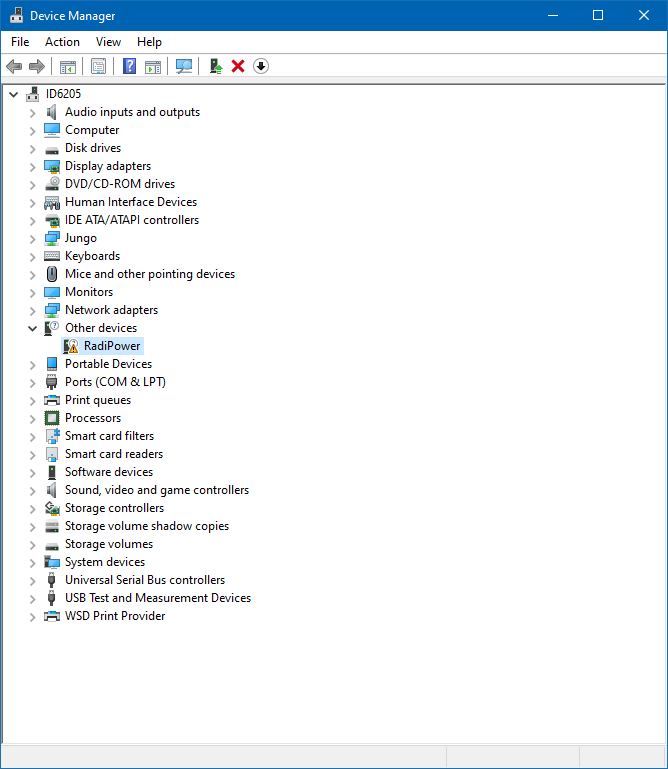
| 10:00, 21 February 2022 | DeviceManagerOtherDevicesRadiPower.png (file) |  |
33 KB | Shows a screenshot of the Windows Device Manager showing an 'unknown' device for the RadiPower in the 'Other Devices' group. | 1 |
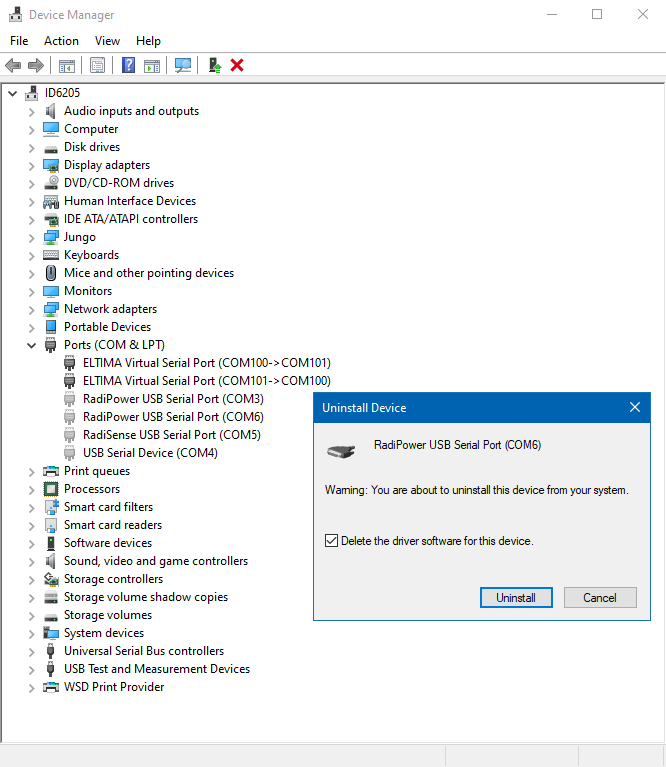
| 09:46, 21 February 2022 | DeviceManagerUninstallSerialPortDeviceAndDelete.png (file) |  |
53 KB | Shows a screenshot of the Windows Device manager, where a Radipower serial port device is being installed, also showing the checked checkbox to actually delete the software driver. | 1 |
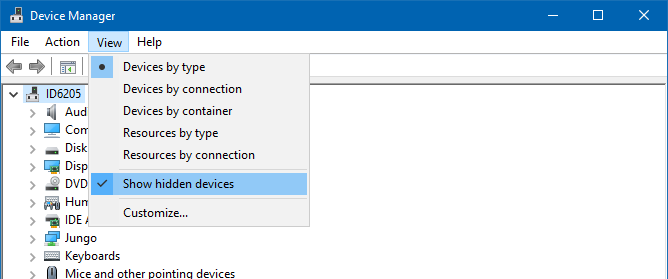
| 09:36, 21 February 2022 | DeviceManagerShowHiddenDevices.png (file) |  |
19 KB | Shows a screenshot of the Windows Device Manager, with an activated 'Show hidden devices' menu entry from the View menu. | 1 |
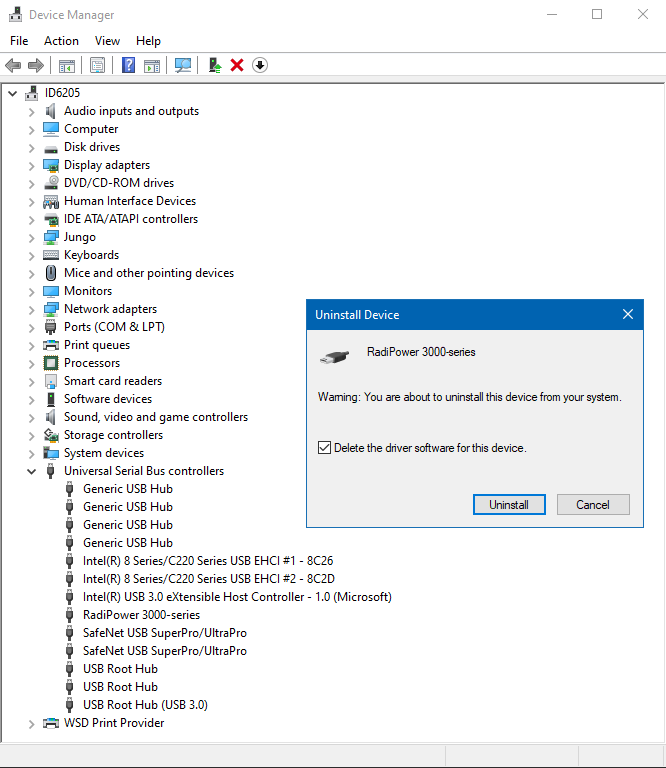
| 09:28, 21 February 2022 | DeviceManagerUninstallDeviceAndDelete.png (file) |  |
42 KB | Shows a screenshot of the Windows Device Manager to uninstall the RadiPower 3000 series, also showing that the driver software should be deleted. | 1 |
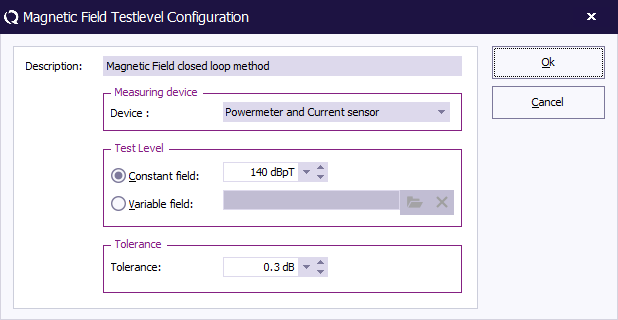
| 15:14, 3 February 2022 | MagneticFieldClosedLoopTestlevelConfiguration.png (file) |  |
12 KB | A screenshot of the magnetic field closed loop testlevel configuration window. | 1 |
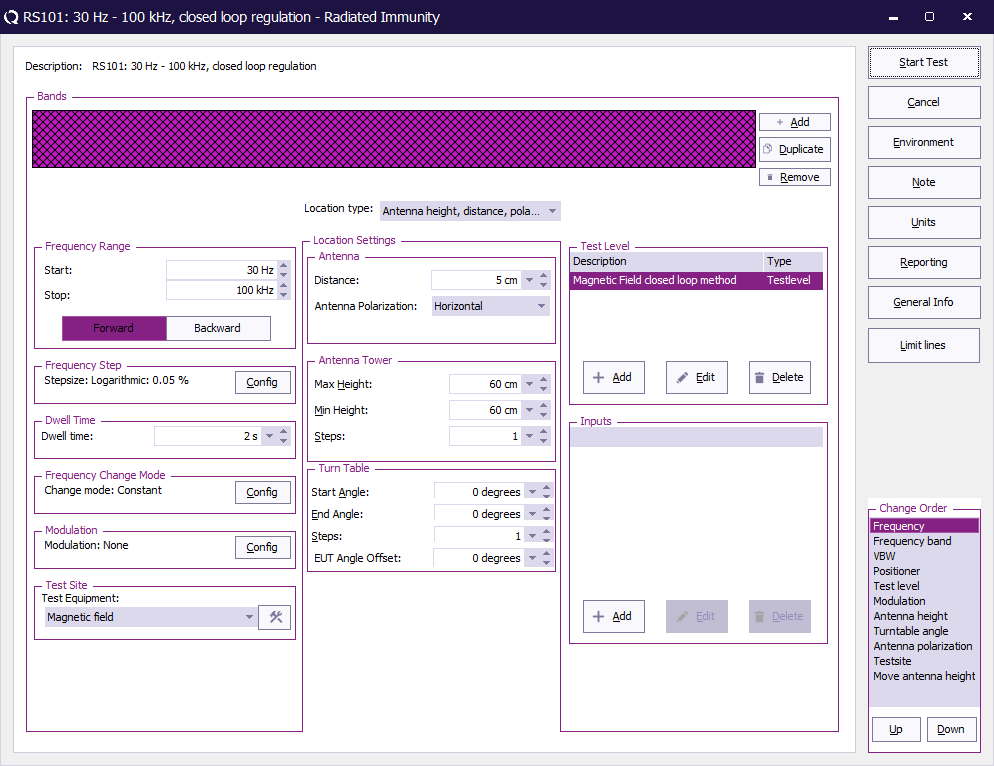
| 15:10, 3 February 2022 | RadiatedImmunityMultibandMagneticClosedLoopConfiguration.png (file) |  |
47 KB | Screenshot of a Multiband magnetic field closed loop configuration, using the settings of the mil-std RS101 | 1 |
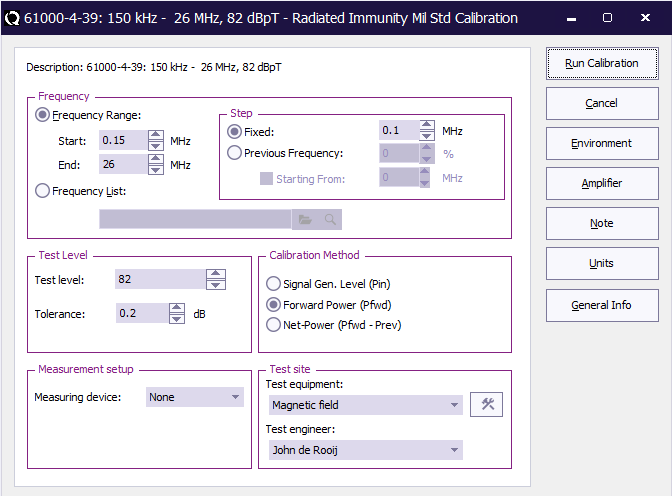
| 14:02, 3 February 2022 | RadiatedImmunityMilStdCalibrationOnForwardPowerConfiguration.png (file) |  |
23 KB | A screenshot of the Mil Std Calibration, using a regulation on Forward power. | 1 |
| 13:35, 3 February 2022 | MagneticFieldOnPowerTestConnections.png (file) |  |
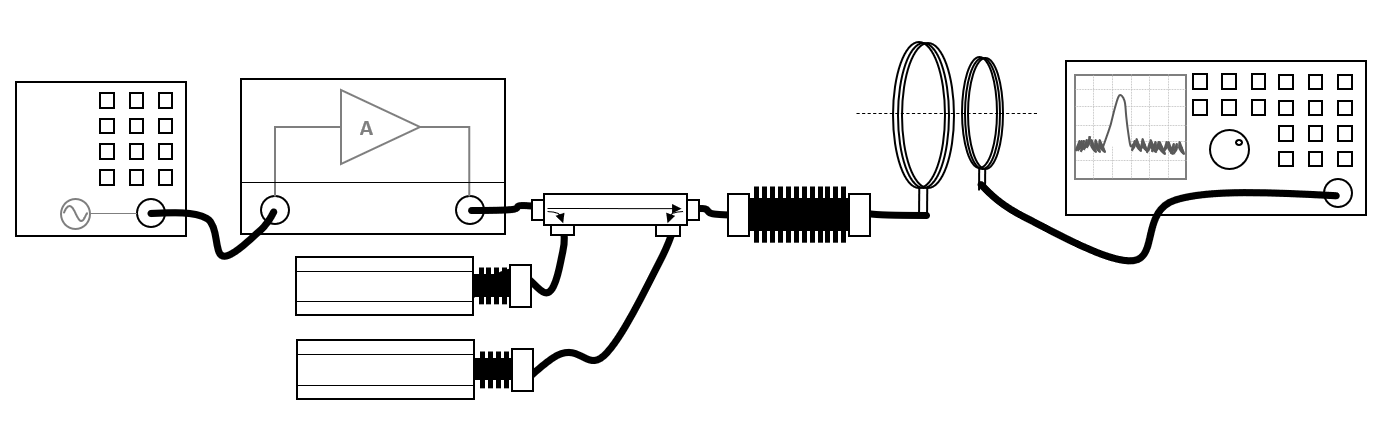
29 KB | Shows the equipment setup for the magnetic field test, where the magnetic field is regulated on the power | 2 |
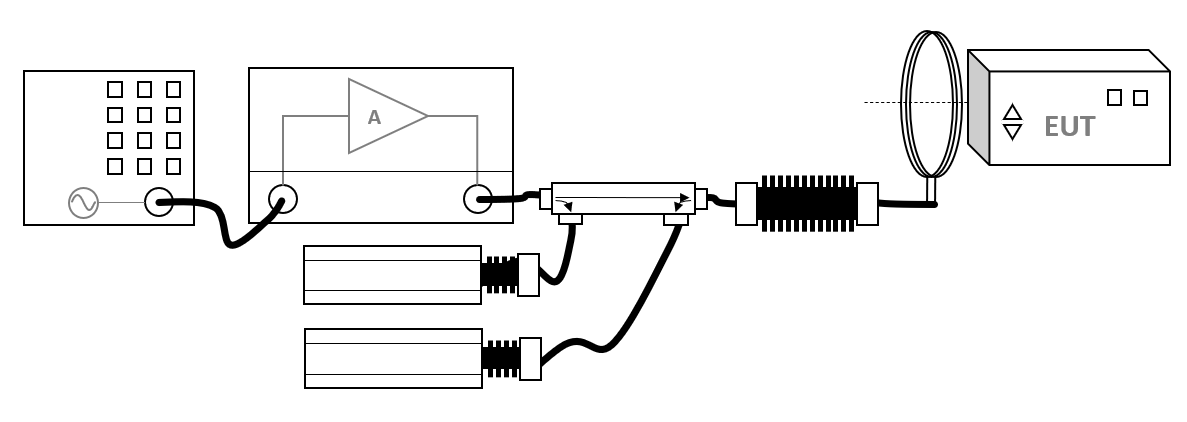
| 13:32, 3 February 2022 | MagneticFieldOnPowerSystemCalibration.png (file) |  |
38 KB | Shows the equipment setup for the magnetic field calibration, using regulation of the power. | 1 |
| 15:06, 1 February 2022 | RadiatedImmunityMilStdCalibrationConfiguration.png (file) |  |
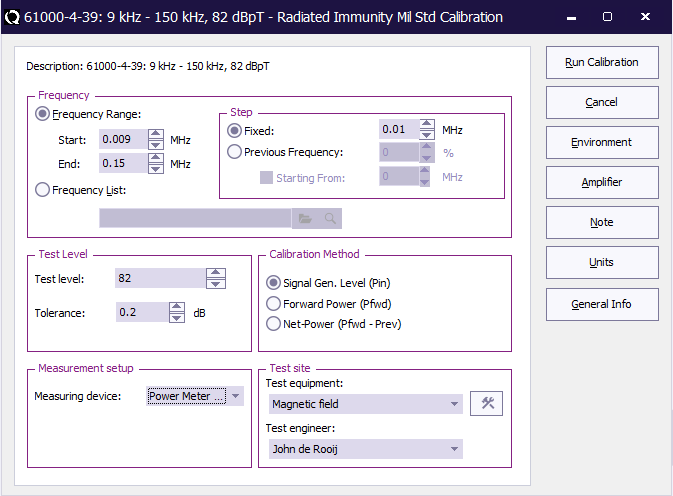
23 KB | Shows the configuration dialog of a Mil Std magnetic field calibration | 2 |
| 14:33, 28 January 2022 | MagneticFieldShuntResistor.png (file) |  |
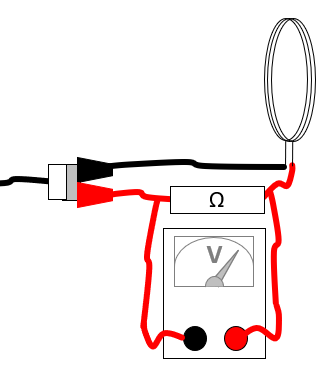
14 KB | Equipment connections for measuring the current through a magnetic loop antenna using a shunt resistor. | 1 |
| 14:13, 5 May 2021 | ErrorPopupWindow.png (file) |  |
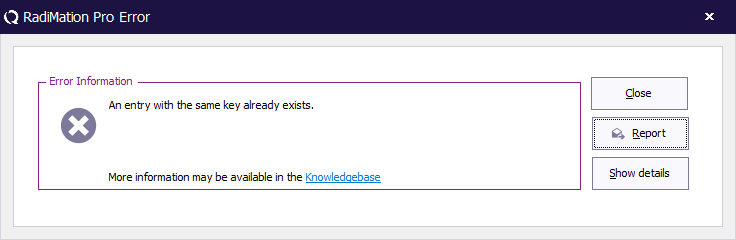
8 KB | 4 | |
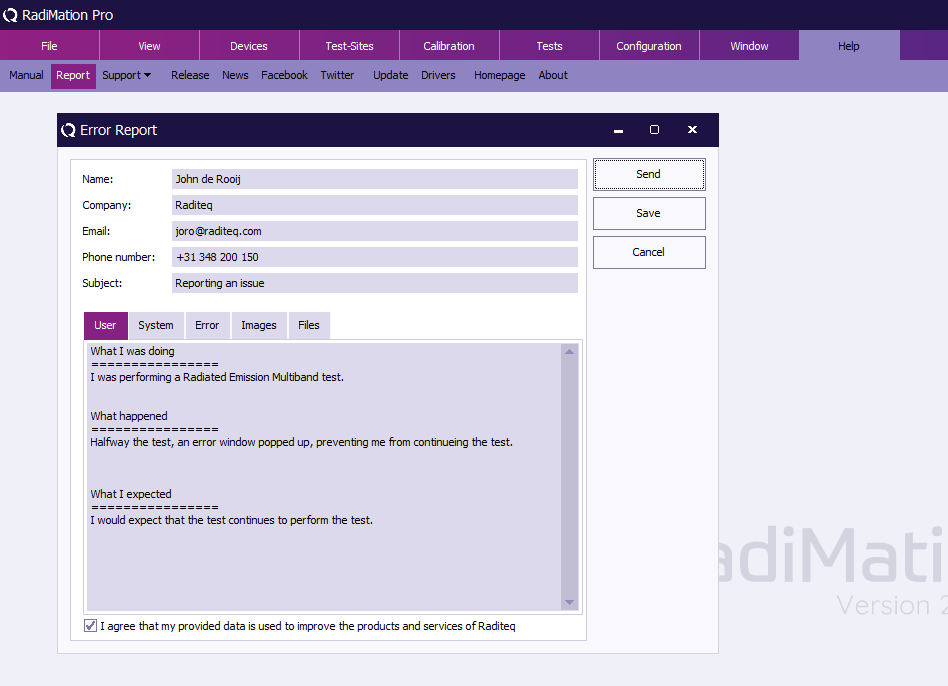
| 14:09, 5 May 2021 | ManualReportMenu.png (file) |  |
37 KB | 3 | |
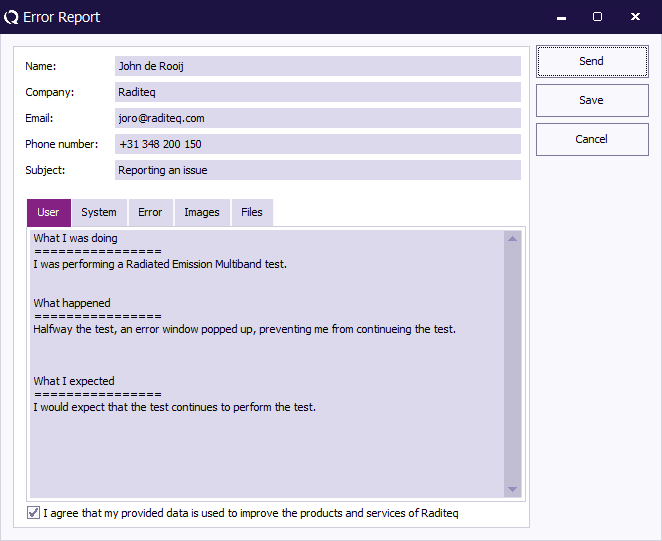
| 14:05, 5 May 2021 | ReportErrorWindow.png (file) |  |
19 KB | 5 | |
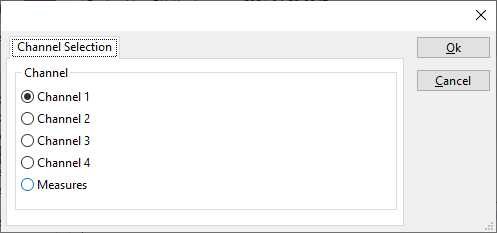
| 08:10, 20 April 2021 | DeviceDriverLeCroyChannelSelectionTab.png (file) |  |
5 KB | Shows the Channel selection tab of the LeCroy oscilloscope drivers. | 1 |
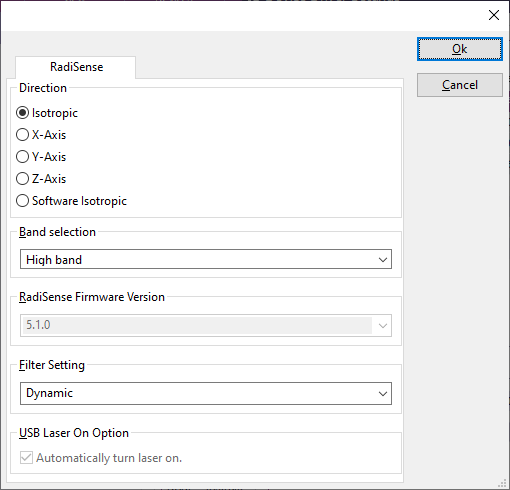
| 13:13, 8 March 2021 | DeviceDriverRadiSenseTab.png (file) |  |
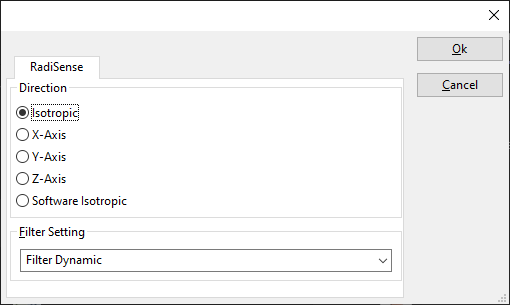
10 KB | Shows the configuration panel of the RadiSense, in the advanced device driver configuration. | 1 |
| 12:48, 8 March 2021 | DeviceDriverRadiSense2000Tab.png (file) |  |
6 KB | Shows the RadiSense tab of the RadiSense 2000 advanced device driver configuration dialog | 1 |
| 10:40, 8 March 2021 | FieldProbePanel.png (file) |  |
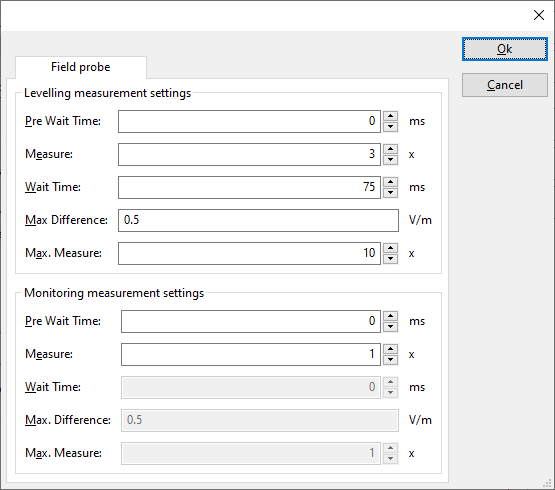
12 KB | Shows the settings of the field probe measurement settings in the device driver configuration of the fieldprobe. | 1 |
| 20:42, 28 February 2021 | Download-button.png (file) |  |
1 KB | Upload button to reflect the Raditeq style. | 3 |
| 11:53, 12 January 2021 | MultibandGraphInReport.jpg (file) |  |
31 KB | Reverted to version as of 08:50, 26 June 2007 (UTC) | 3 |
| 13:51, 30 December 2020 | DeviceDriverResolutionTab.png (file) |  |
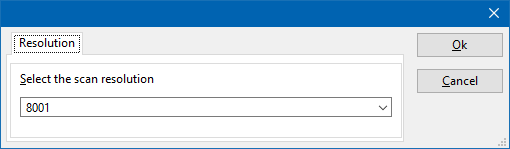
3 KB | Shows the resolution tab of the device driver configuration window. | 1 |
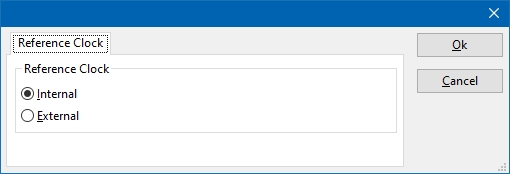
| 13:44, 30 December 2020 | DeviceDriverReferenceClockTab.png (file) |  |
3 KB | Shows the 'Reference Clock' tab from the device driver. | 1 |
| 10:07, 2 December 2020 | DriversExeStartPage.PNG (file) |  |
41 KB | 3 | |
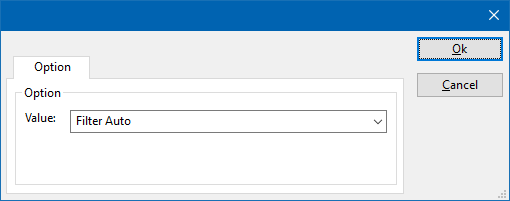
| 06:23, 14 October 2020 | DeviceDriverOptionTab.png (file) |  |
3 KB | Screenshot of the Option tab of a RadiPower device driver. | 1 |
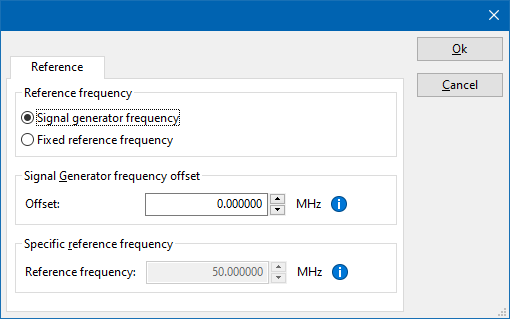
| 05:57, 14 October 2020 | DeviceDriverReferenceTab.png (file) |  |
8 KB | Shows the 'Reference' tab of a powermeter device driver. Also see: DeviceDriverReferenceTab. | 1 |
| 14:20, 13 October 2020 | PowerMeterPanel.png (file) |  |
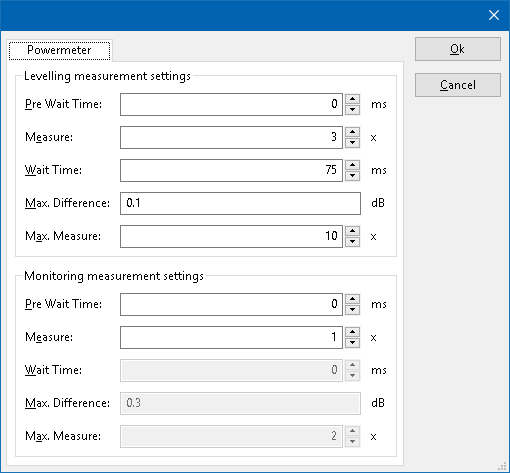
9 KB | 2 | |
| 09:21, 13 October 2020 | Rohde & Schwarz UPP400 front.jpg (file) |  |
609 KB | Front of the Rohde & Schwarz UPP400 | 1 |
| 09:21, 13 October 2020 | Rohde & Schwarz UPP400 back.jpg (file) |  |
693 KB | Back of the Rohde & Schwarz UPP400 | 1 |
| 08:23, 13 October 2020 | RSUPP400RetrievableFieldsFromNumericDisplay.png (file) |  |
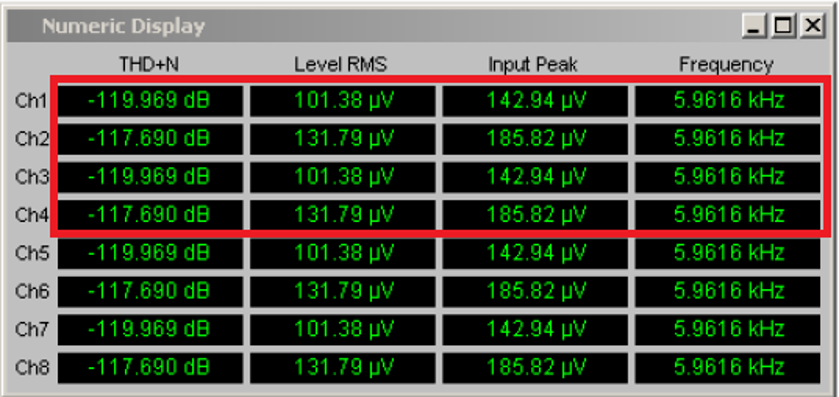
121 KB | A screenshot of the Rohde & Schwarz UPP400 Numeric Display, also identifying which fields and values can be retrieved by the {{RadiMation}} device driver for the Rohde & Schwarz UPP400. | 1 |
| 08:21, 13 October 2020 | RSUPP400PossibleNumericDisplay.png (file) |  |
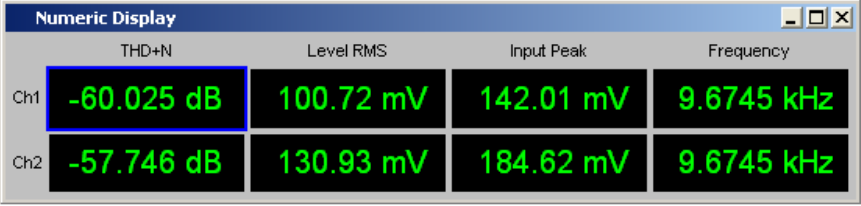
42 KB | An example of how the Numeric Display could be shown in the Rohde & Schwarz UPP400 software. | 1 |
| 08:20, 13 October 2020 | RSUPP400PossibleConfiguration.png (file) |  |
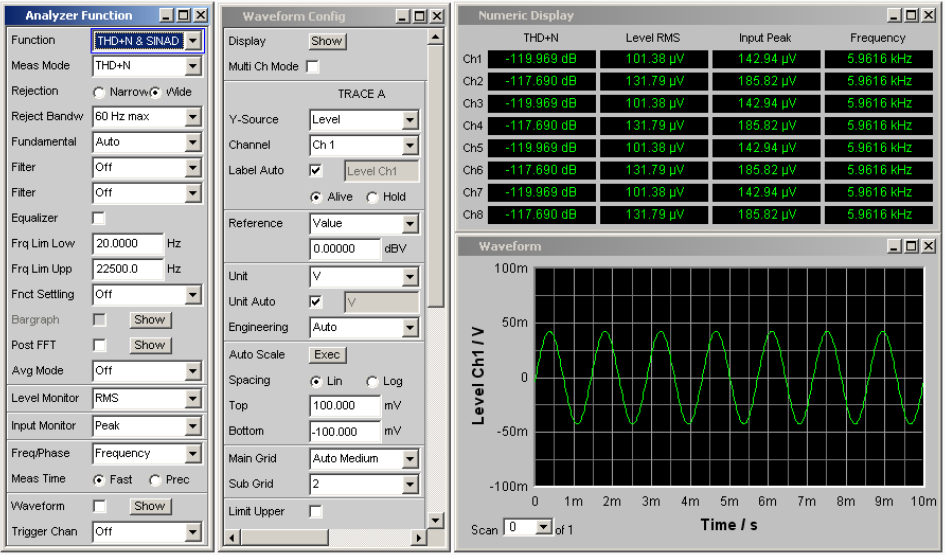
135 KB | A possible configuration of the software settings of the Rohde & Schwarz UPP400 | 1 |
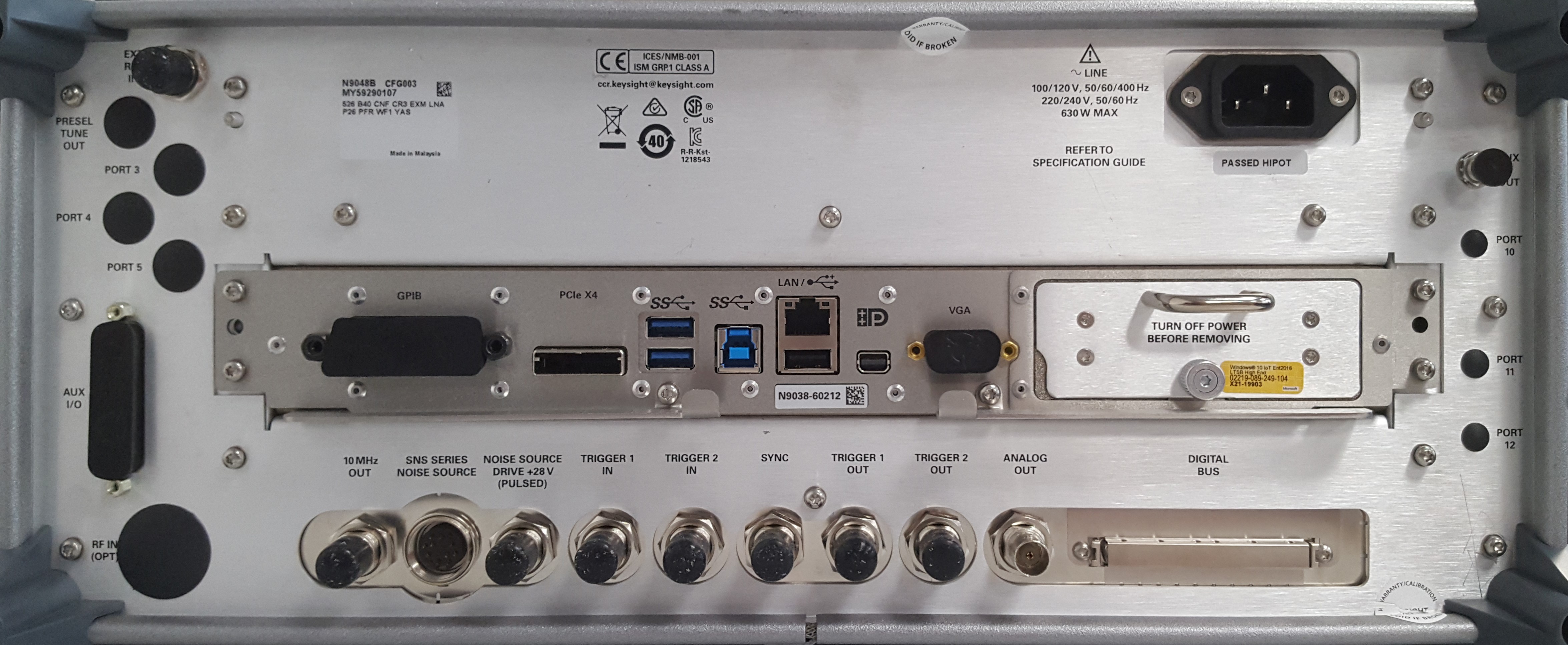
| 19:36, 3 September 2020 | Keysight Technologies N9048B back.jpg (file) |  |
1.38 MB | Back of the Keysight Technologies N9048B | 1 |
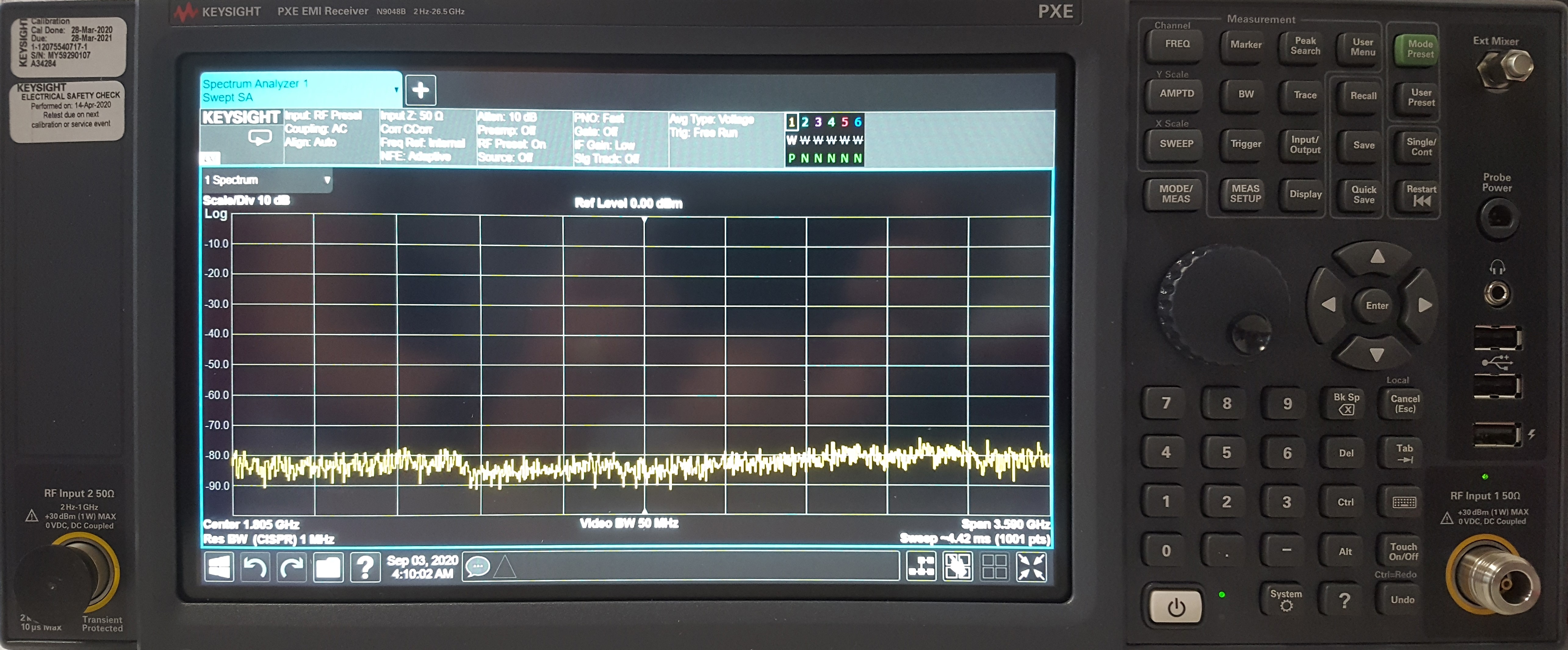
| 19:34, 3 September 2020 | Keysight Technologies N9048B front.jpg (file) |  |
1.69 MB | Front of the Keysight Technologies N9048B | 1 |
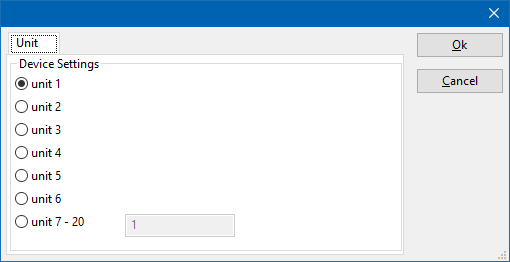
| 13:08, 27 July 2020 | DeviceDriverUnitSelection.png (file) |  |
7 KB | Shows a device driver configuration dialog to select the unit. 'Unit 1' is the selected unit. | 1 |
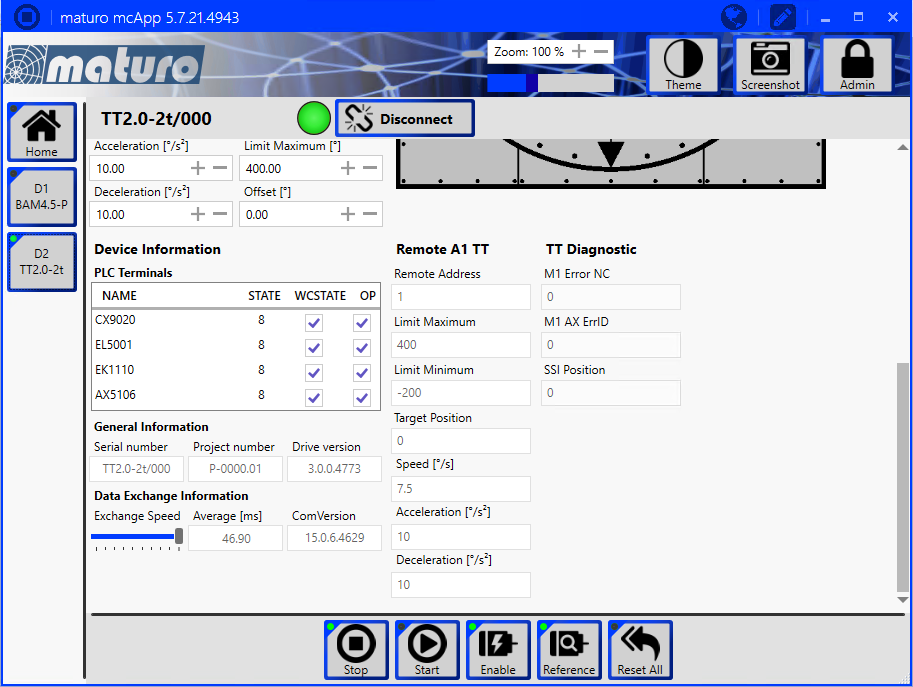
| 12:48, 27 July 2020 | Maturo mcApp Turntable RemoteAddress.png (file) |  |
137 KB | naturo mcApp software, showing the page of a turntable, where the 'Remote Address' field is also visible. Category:Screenshot | 1 |
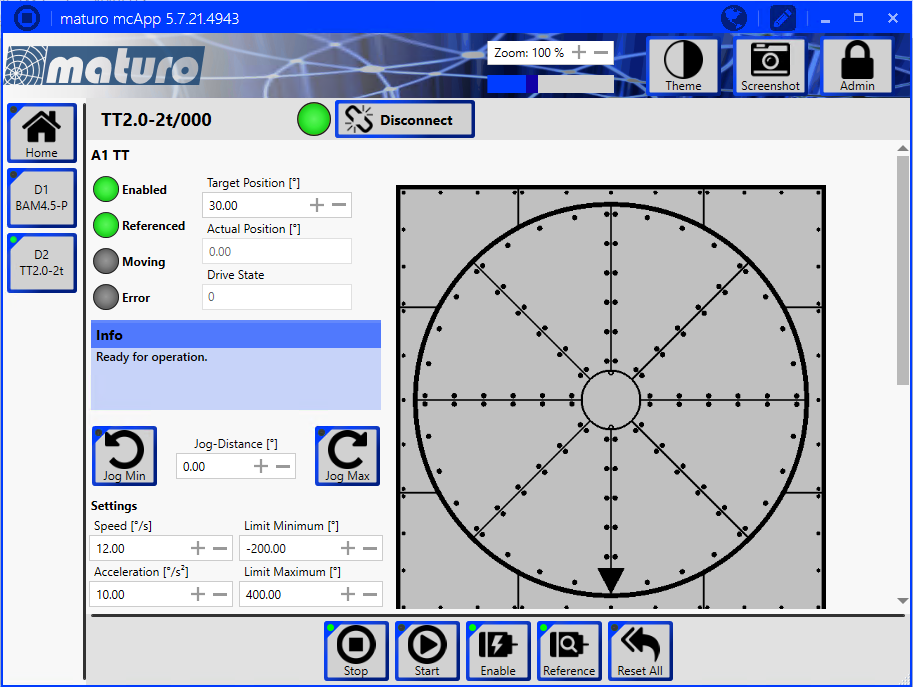
| 12:48, 27 July 2020 | Maturo mcApp Turntable.png (file) |  |
160 KB | naturo mcApp software, showing the page of a turntable Category:Screenshot | 1 |
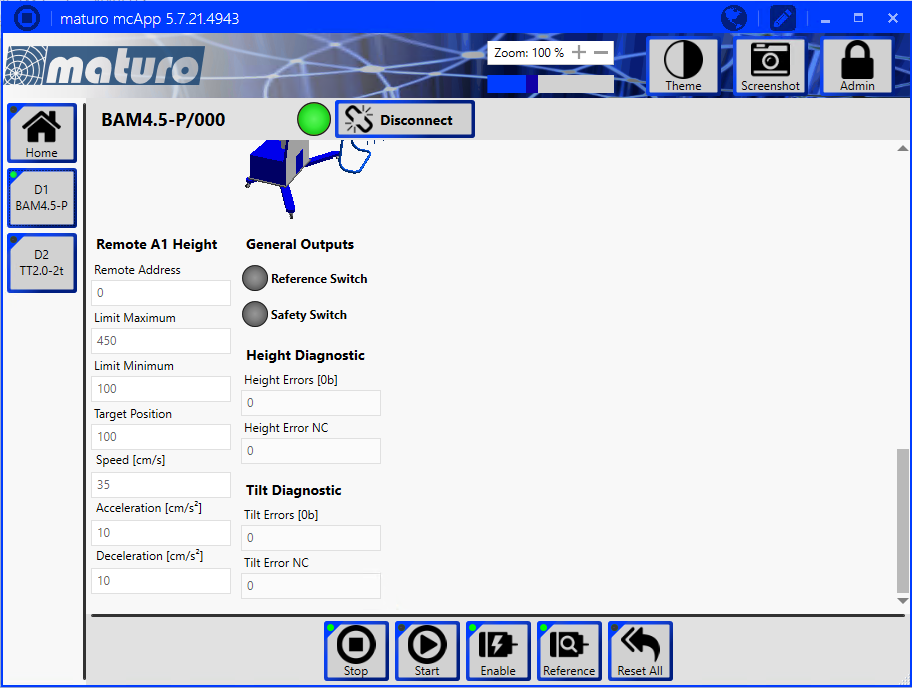
| 12:48, 27 July 2020 | Maturo mcApp AntennaTower RemoteAddress.png (file) |  |
123 KB | naturo mcApp software, showing the page of an antenna tower, which shows the 'Remote Address' field. Category:Screenshot | 1 |
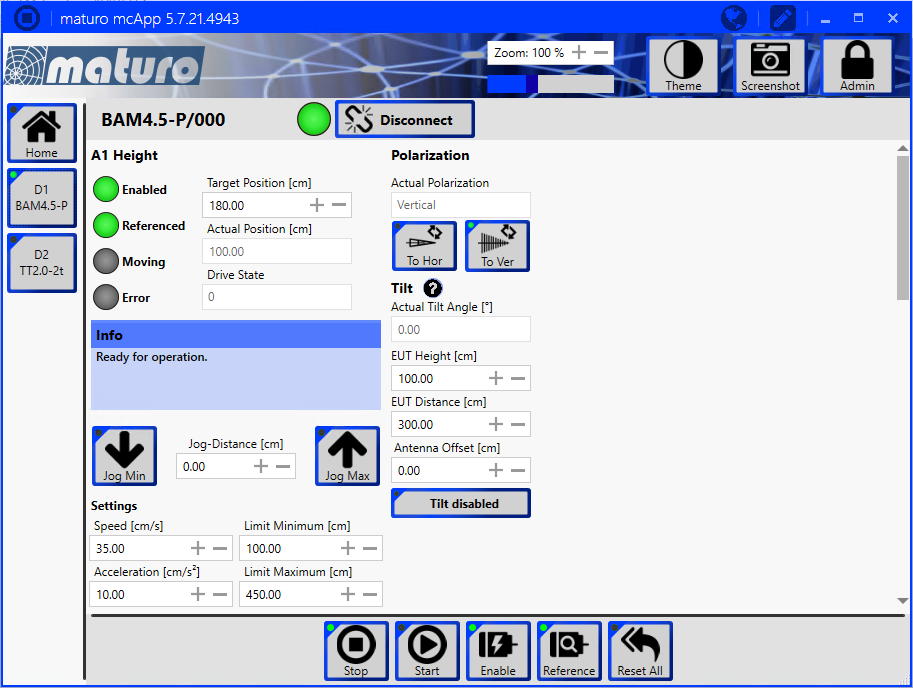
| 12:47, 27 July 2020 | Maturo mcApp AntennaTower.png (file) |  |
148 KB | naturo mcApp software, showing the page of an antenna tower Category:Screenshot | 1 |
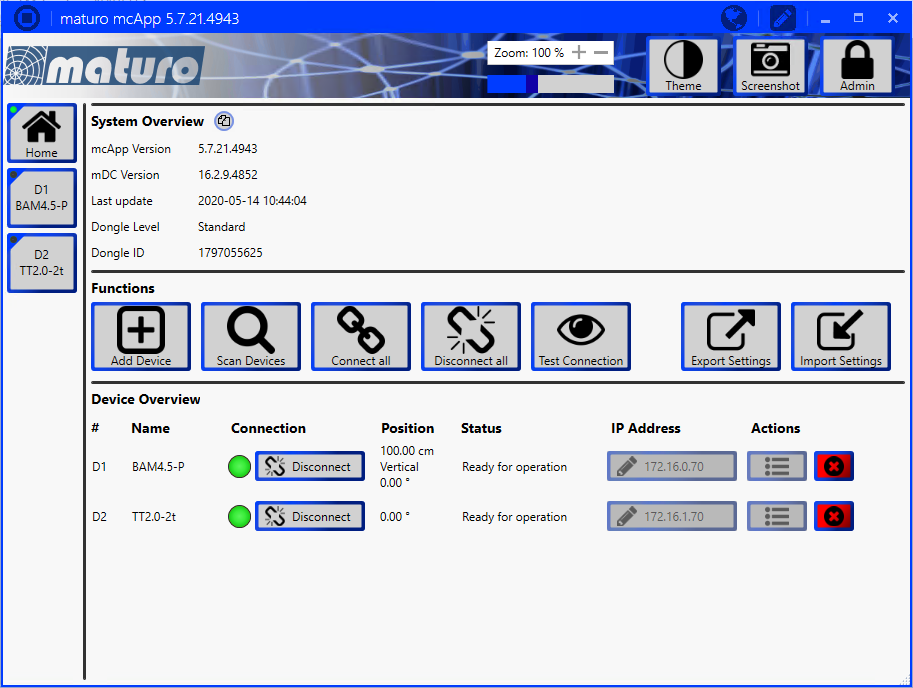
| 12:47, 27 July 2020 | Maturo mcApp Home.png (file) |  |
145 KB | naturo mcApp software, showing the 'Home' page. Category:Screenshot | 1 |
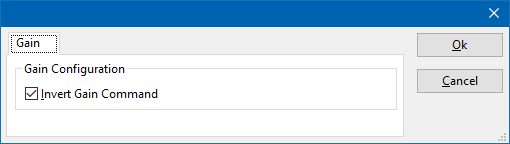
| 07:41, 9 July 2020 | AmplifierResearchGainTab.png (file) |  |
3 KB | Shows the 'Gain' tab of the Amplifier Research amplifier device drivers. Category:Screenshot | 1 |
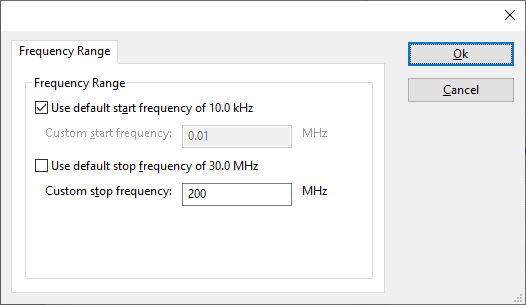
| 11:53, 12 June 2020 | ConfigurableFrequencyRangeTab.png (file) |  |
9 KB | * Removed the Communication button * Removed the other tabs Both are not relevant for the explanation of the settings on this tab. | 3 |
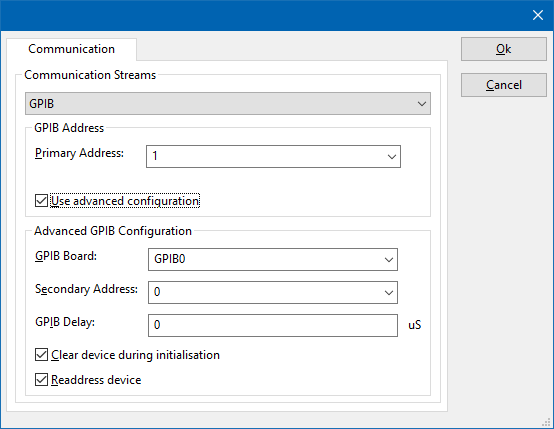
| 11:29, 12 June 2020 | GPIB DeviceStream Configuration.png (file) |  |
14 KB | Removed the title, and the other tabs that are not relevant. | 2 |
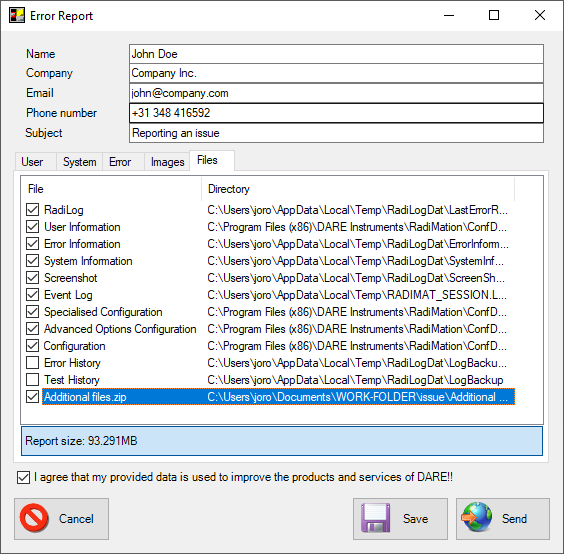
| 07:35, 12 June 2020 | ErrorReportFilesTab.png (file) |  |
35 KB | Shows the Error Report dialog, where the {{ScreenElement|Files}} tab is shown with an 'Additional Files.zip'. Category:Screenshot | 1 |
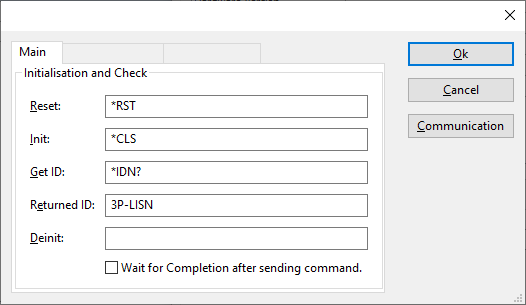
| 10:52, 10 June 2020 | ConfigurableLISNMainTab.png (file) |  |
9 KB | 2 | |
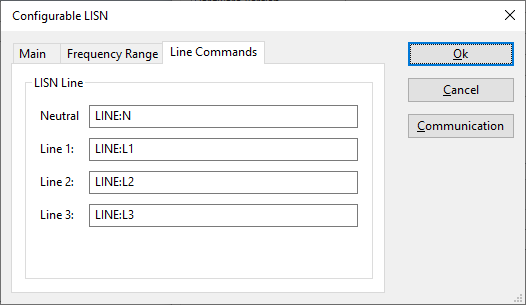
| 10:27, 10 June 2020 | ConfigurableLISNLineCommandsTab.png (file) |  |
7 KB | The Line Commands tab of the Configurable LISN device driver Category:Screenshot | 1 |
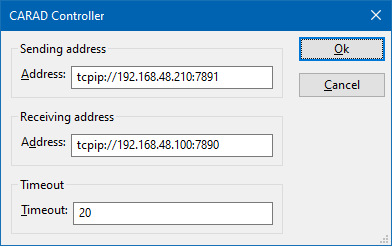
| 14:20, 5 June 2020 | CARADControllerAddressSettings.png (file) |  |
5 KB | The configuration dialog of the CARAD device driver, that shows the address that can be configured for the communication settings. Category:Screenshot | 1 |