File list
Jump to navigation
Jump to search
This special page shows all uploaded files.


| Date | Name | Thumbnail | Size | User | Description | Versions |
|---|---|---|---|---|---|---|
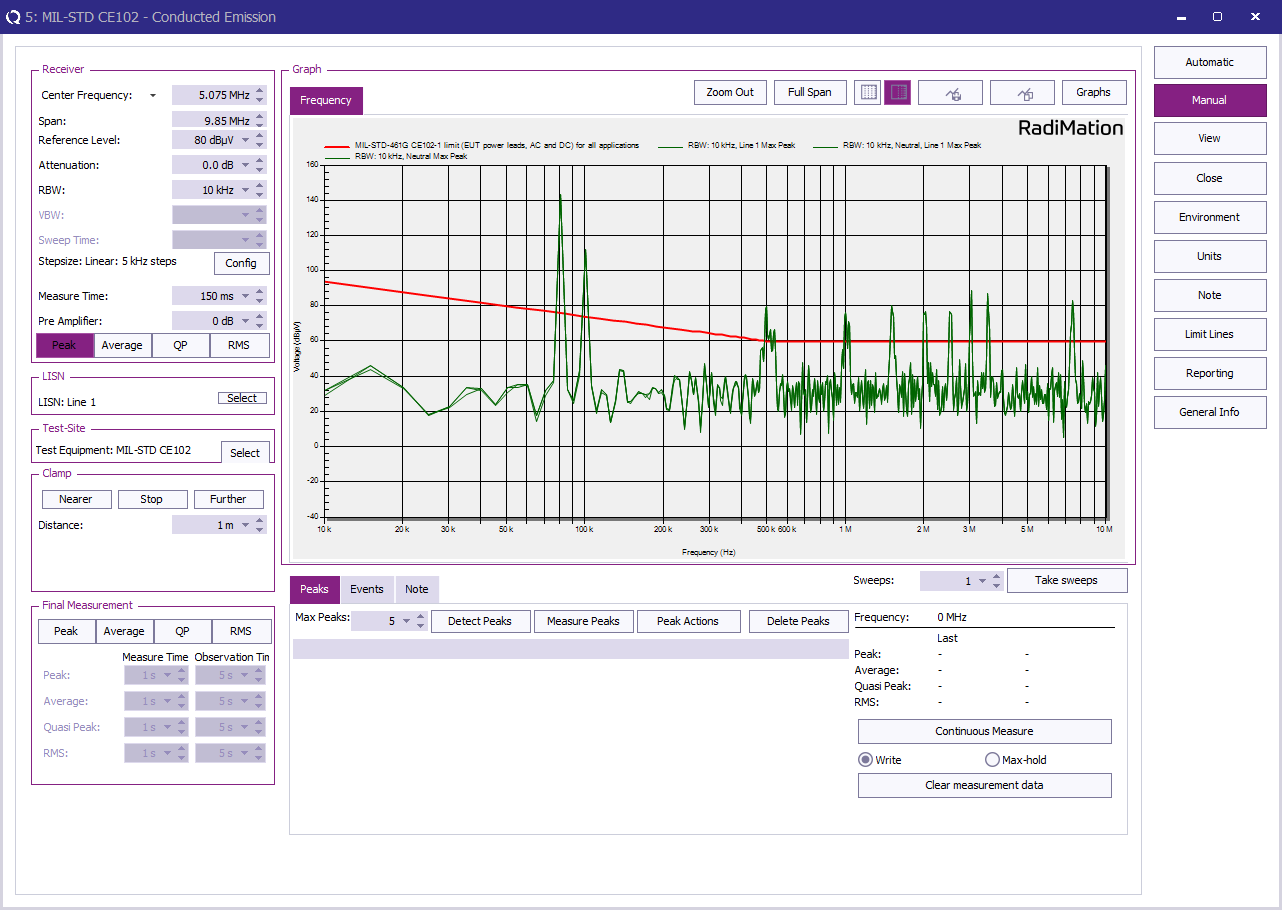
| 11:44, 12 June 2023 | CE102 Test Result.png (file) |  |
102 KB | Roge | 1 | |
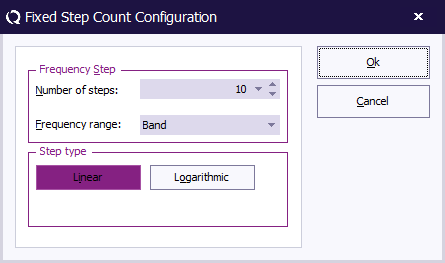
| 09:13, 12 June 2023 | FixedStepCountConfiguration.png (file) |  |
6 KB | Joro | Shows the configuration dialog of the 'Fixed step count' stepper. Category:Screenshot | 1 |
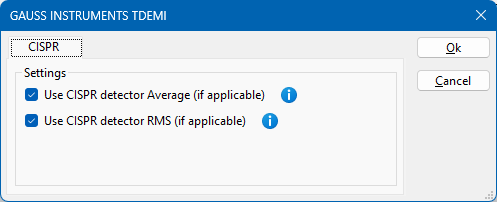
| 13:59, 6 June 2023 | TDEMICISPRSelectionDialog.png (file) |  |
7 KB | Joro | Dialog in the TDEMI device driver that shows the CISPR selection for the Average and the RMS detector Category:Screenshot | 1 |
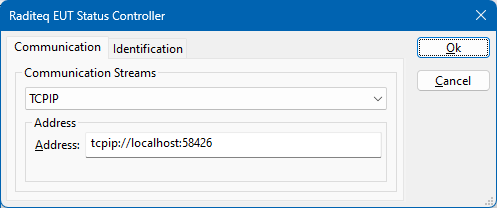
| 13:53, 22 May 2023 | RaditeqEUTStatusController.png (file) |  |
8 KB | Joro | Shows a screenshot of the Raditeq EUT Status Controller device driver. Category:Screenshot | 1 |
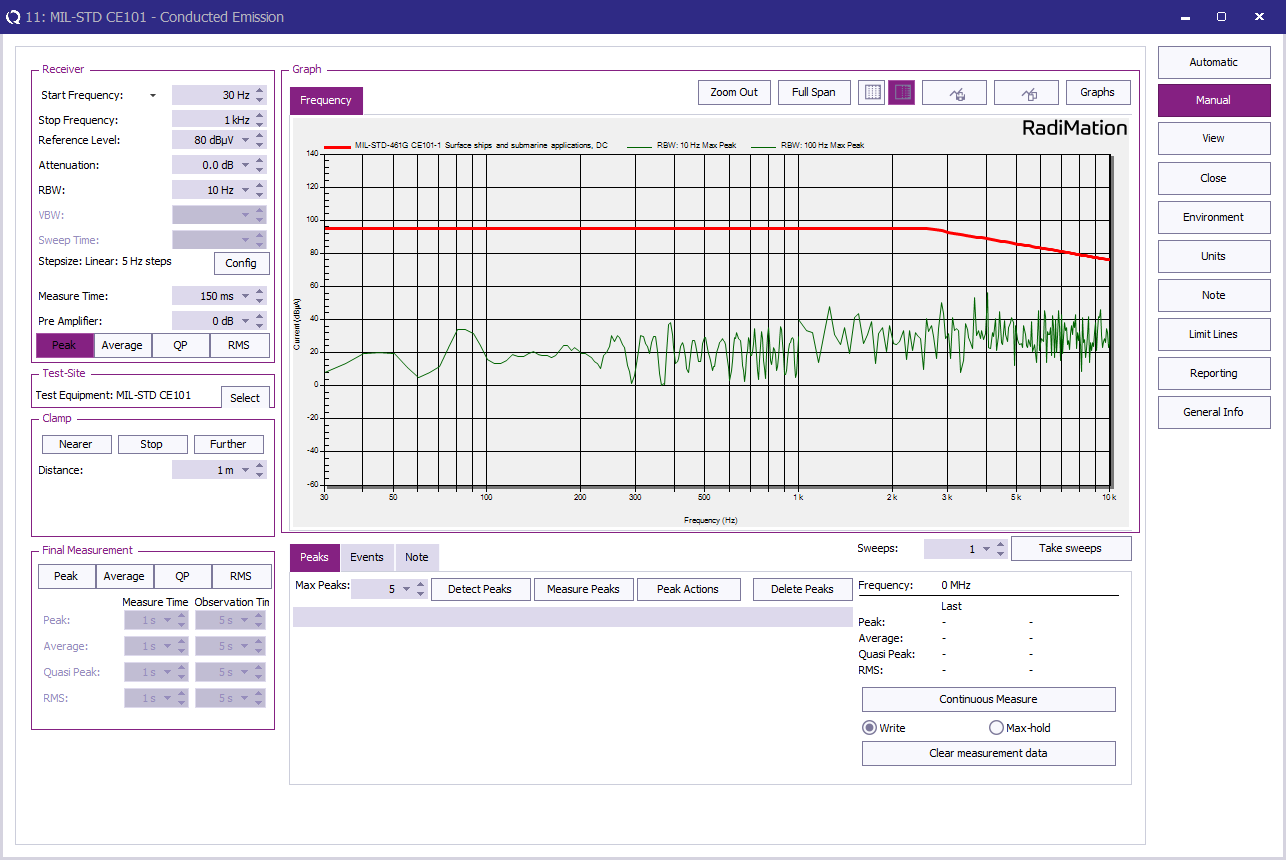
| 12:54, 22 May 2023 | CE101 Test Result.png (file) |  |
78 KB | Roge | 2 | |
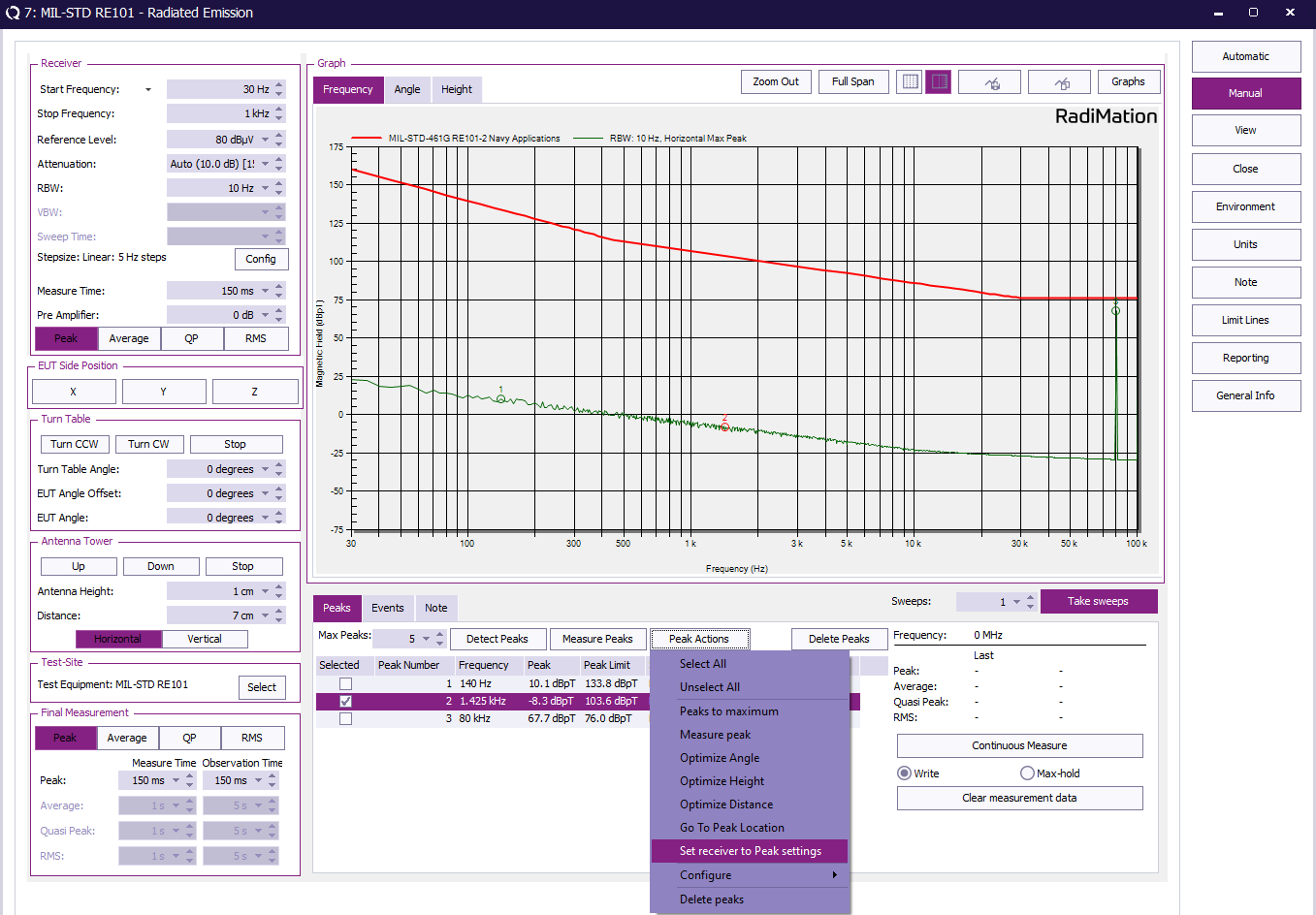
| 11:30, 8 May 2023 | RE101 Test measure peak.png (file) |  |
96 KB | Roge | 3 | |
| 12:47, 24 April 2023 | RE101 Loop configuration.png (file) |  |
29 KB | Roge | 2 | |
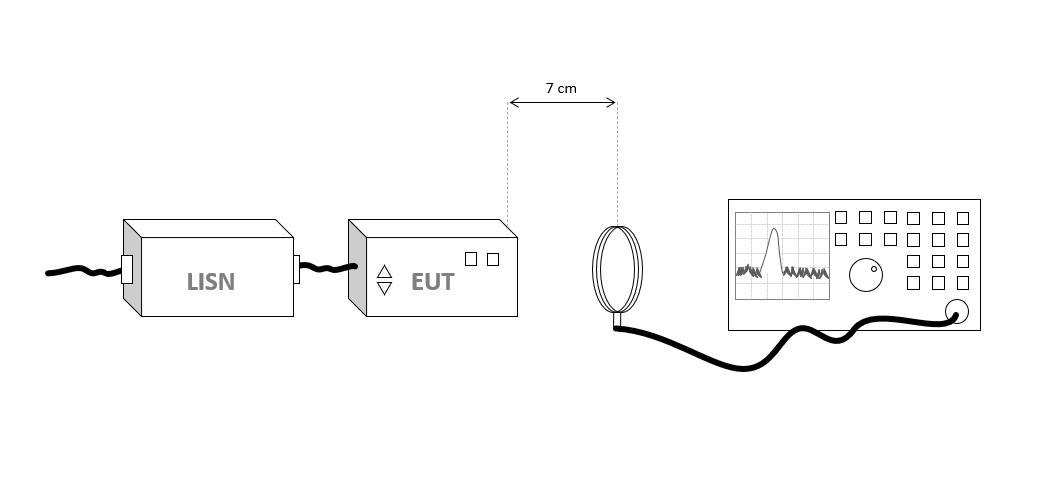
| 11:44, 24 April 2023 | RE101 Test layout.png (file) |  |
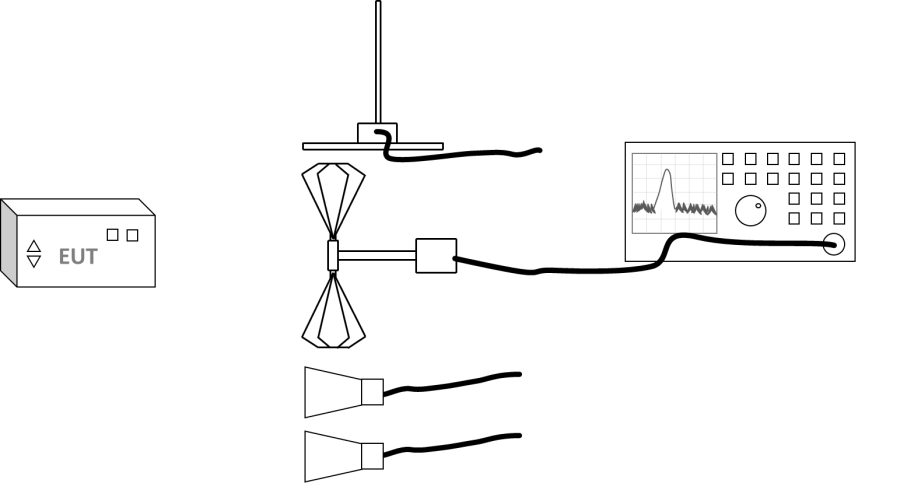
20 KB | Roge | 1 | |
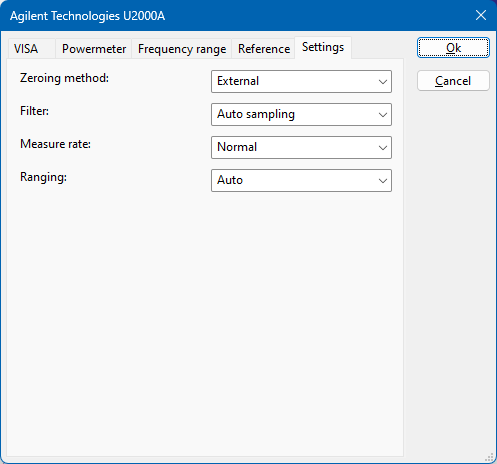
| 10:22, 19 April 2023 | AgilentU2000ASettings.png (file) |  |
9 KB | Joro | Shows the advanced configuration dialog of the Agilent Technologies U2000A powermeter, showing the specific measurement settings of the powermeter. | 1 |
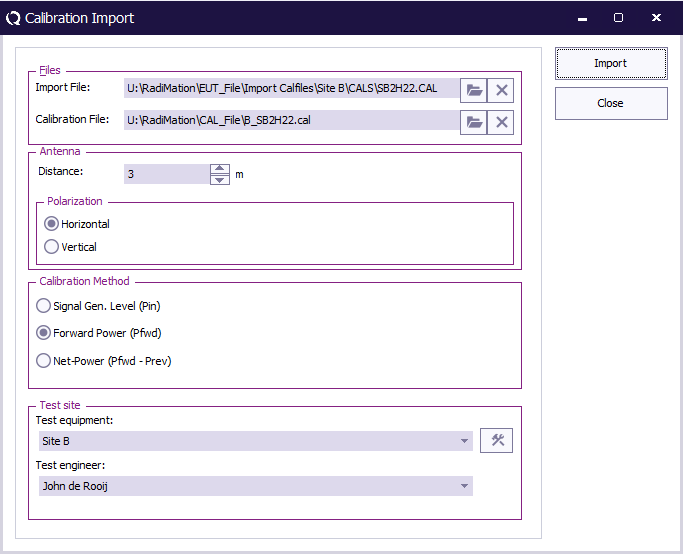
| 13:53, 12 April 2023 | CalibrationImport.png (file) |  |
18 KB | Joro | A screenshot of the Calibration Import window Category:Screenshot | 1 |
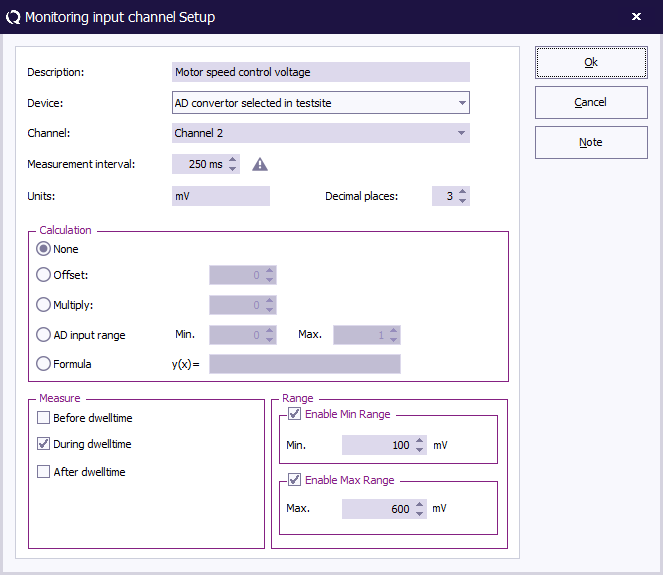
| 13:04, 2 February 2023 | Monitoring input channel setup.png (file) |  |
21 KB | Joro | Changed the screenshot to show the new skin | 2 |
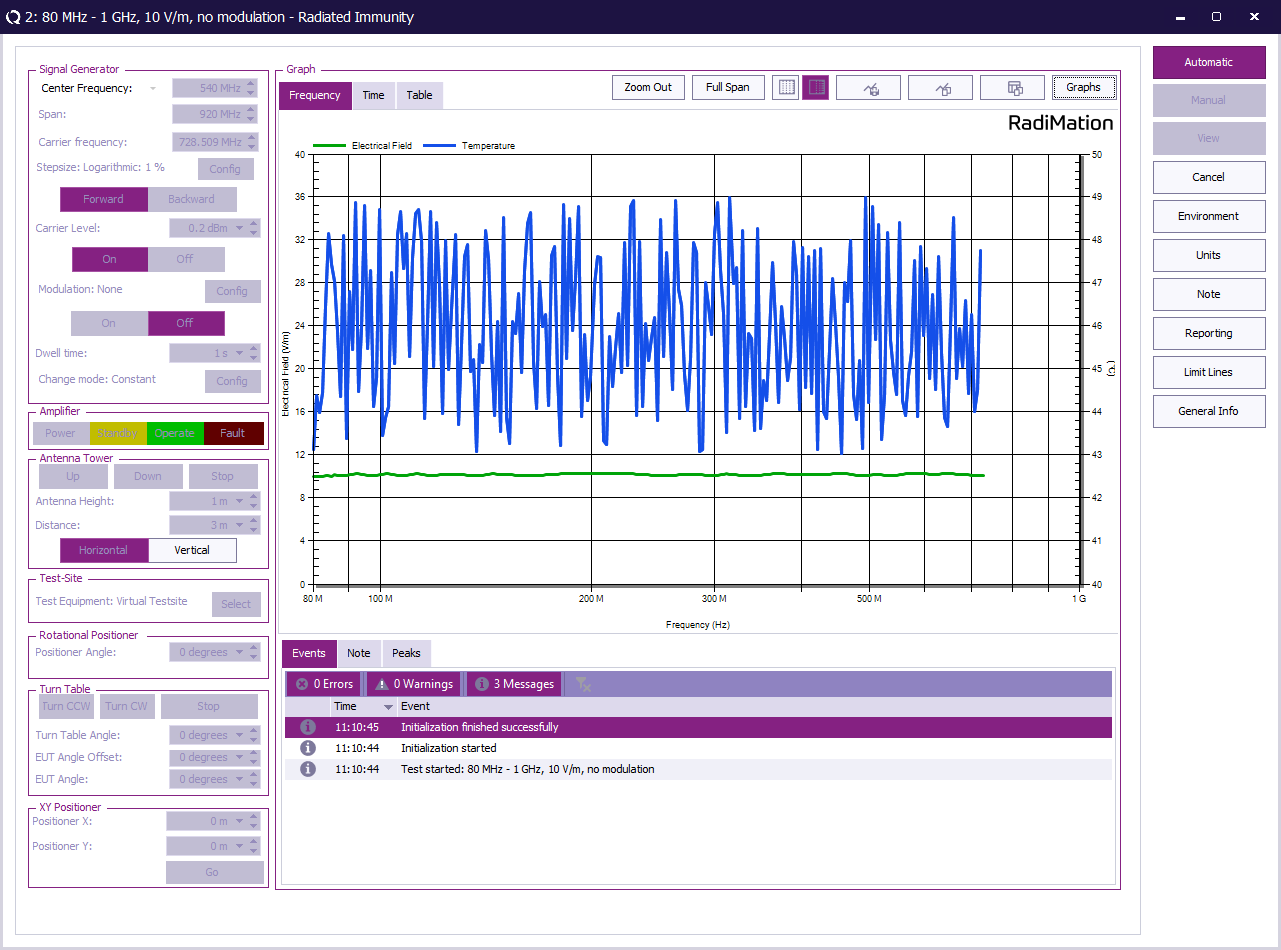
| 10:15, 1 February 2023 | MonitoringInputTest.png (file) |  |
123 KB | Joro | Screenshot with the new skin, and more logical and practical test data. | 3 |
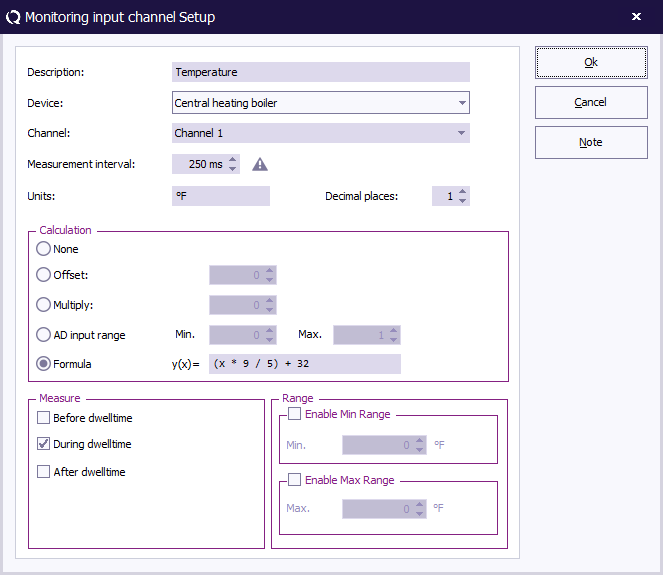
| 12:59, 31 January 2023 | ConfigureMonitoringInputChannelFahrenheit.png (file) |  |
22 KB | Joro | Shows the {{ScreenElement|Monitoring input channel setup}} dialog, with the configuration of the 'Centreal heating boiler' temperature, as described in the RadiMation Application Note 114 Category:Screenshot | 1 |
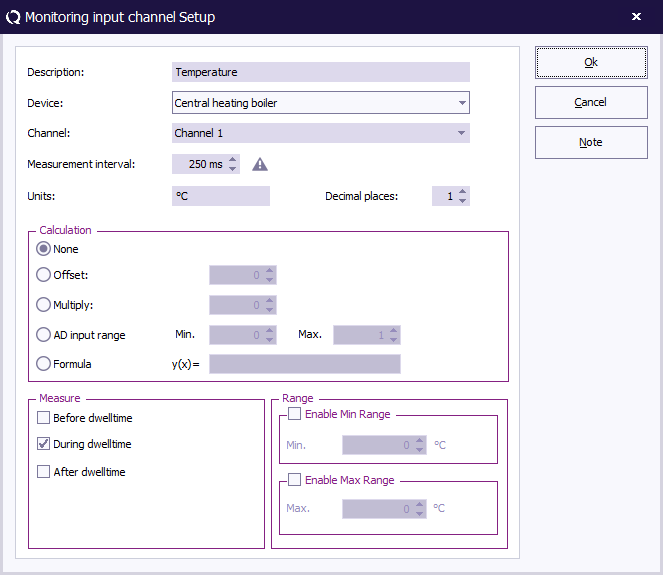
| 12:55, 31 January 2023 | ConfigureMonitoringInputChannel.png (file) |  |
22 KB | Joro | Shows the {{ScreenElement|Monitoring input channel setup}} dialog, with the configuration of the 'Centreal heating boiler' temperature, as described in the RadiMation Application Note 114 Category:Screenshot | 3 |
| 12:51, 31 January 2023 | AddMonitoringInputDevice.png (file) |  |
19 KB | Joro | Screenshot in the new skin | 2 |
| 12:41, 31 January 2023 | AppNote114ConfigurableADConvertor.png (file) |  |
21 KB | Joro | Fixed some wrong pixels on the border of the dialog | 1 |
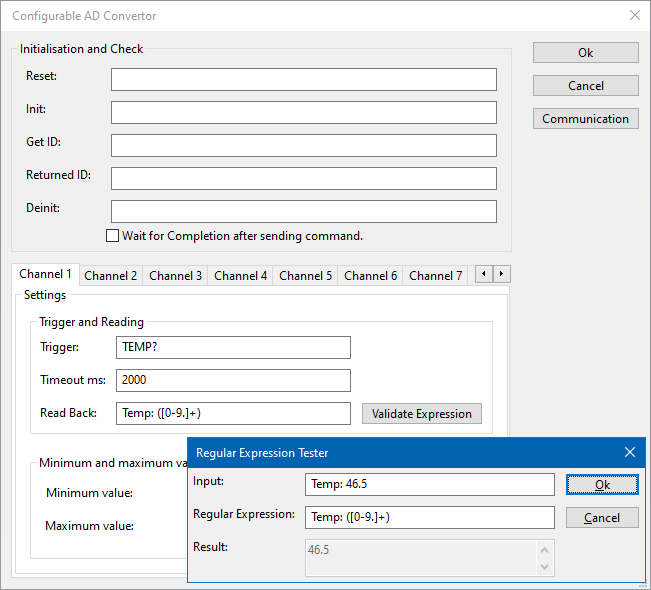
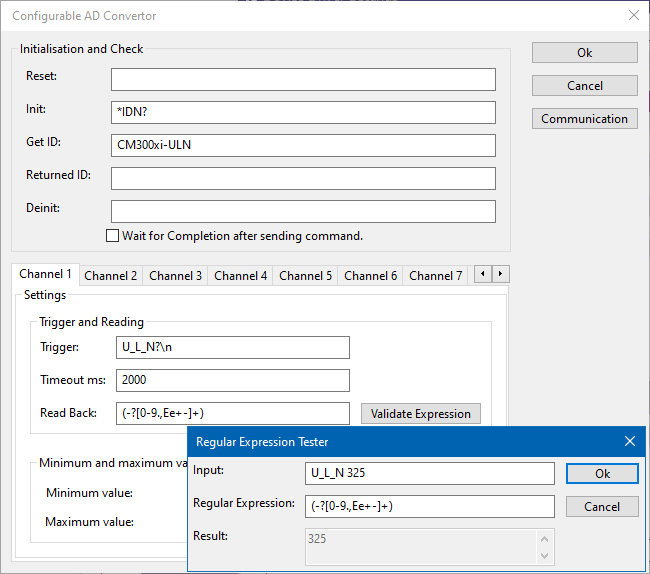
| 12:32, 31 January 2023 | ValidateExpressionTool.png (file) |  |
17 KB | Joro | Updated the regular expression to include a +. Removed the ;. Also updated the values on the screenshot to match the provided example. Also updated the *IDN? response to be more a real device, instead of a some other query. | 6 |
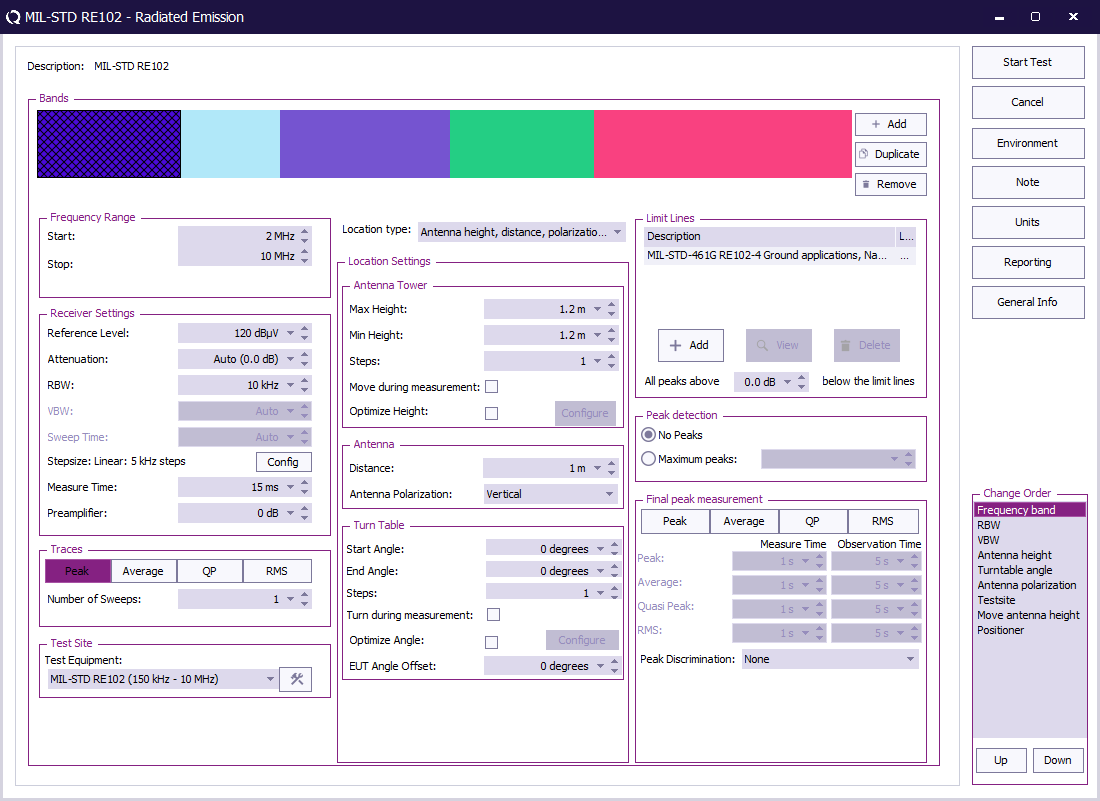
| 10:48, 31 January 2023 | RE102 Test Configuration.png (file) |  |
66 KB | Roge | 5 | |
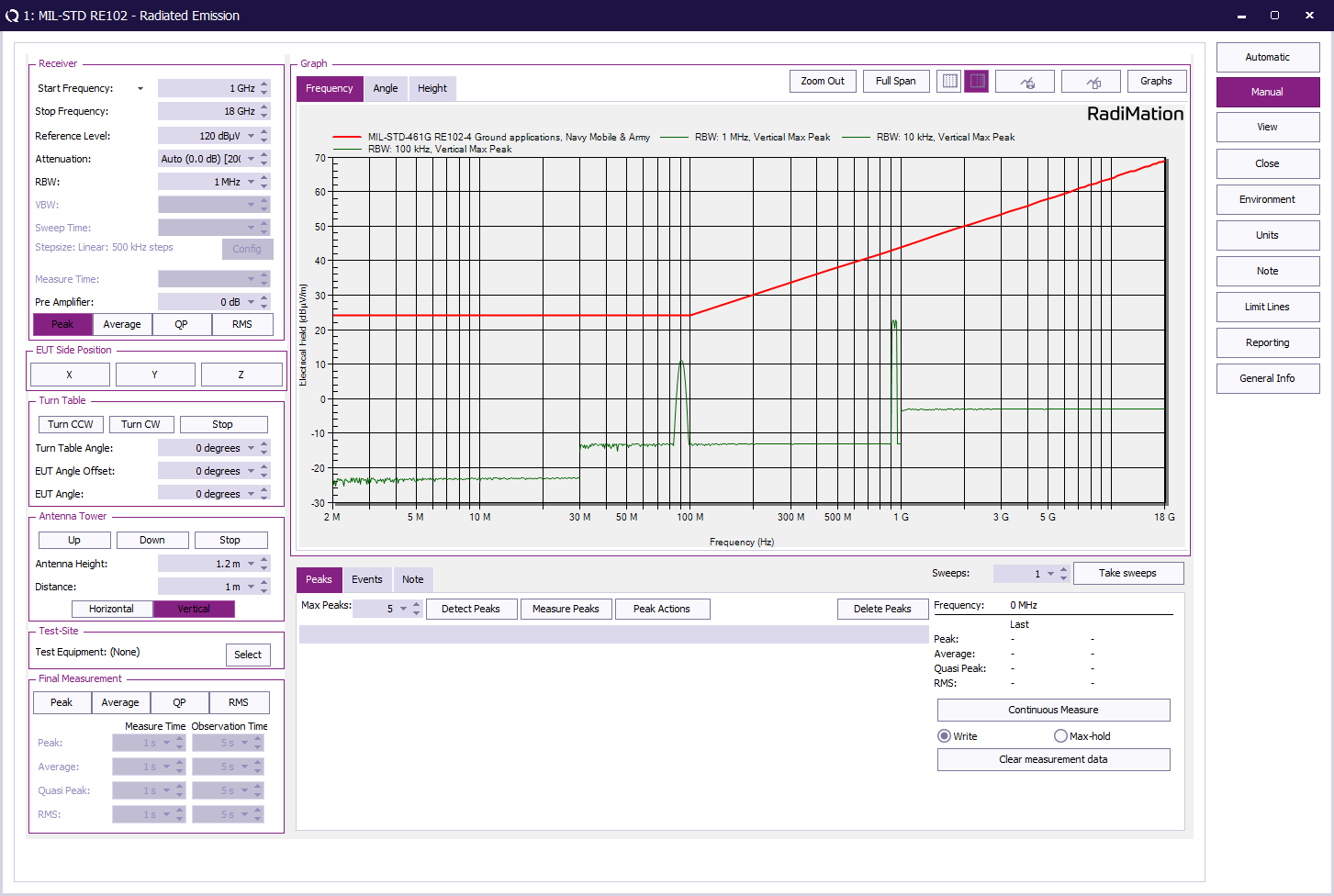
| 10:47, 31 January 2023 | RE102 Test Result.png (file) |  |
88 KB | Roge | 3 | |
| 15:10, 30 January 2023 | Configurable AD Converter Configuration Window.png (file) |  |
16 KB | Joro | Selected the 'Ok' button as the selected control. In the previous screenshot the cursor was active in the Trigger, so it looked like an 'l' | 4 |
| 15:06, 30 January 2023 | ConfigureCommunication.png (file) |  |
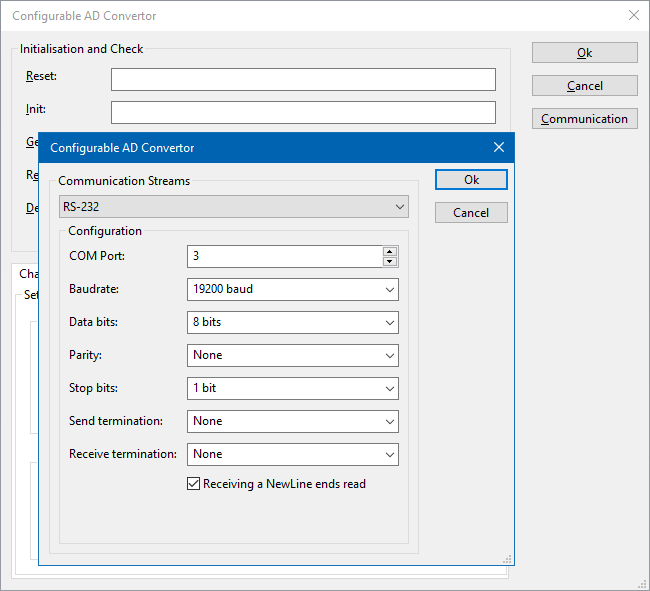
18 KB | Joro | 3 | |
| 14:56, 30 January 2023 | CentralHeatingBoilerDriverDriverSettings.png (file) |  |
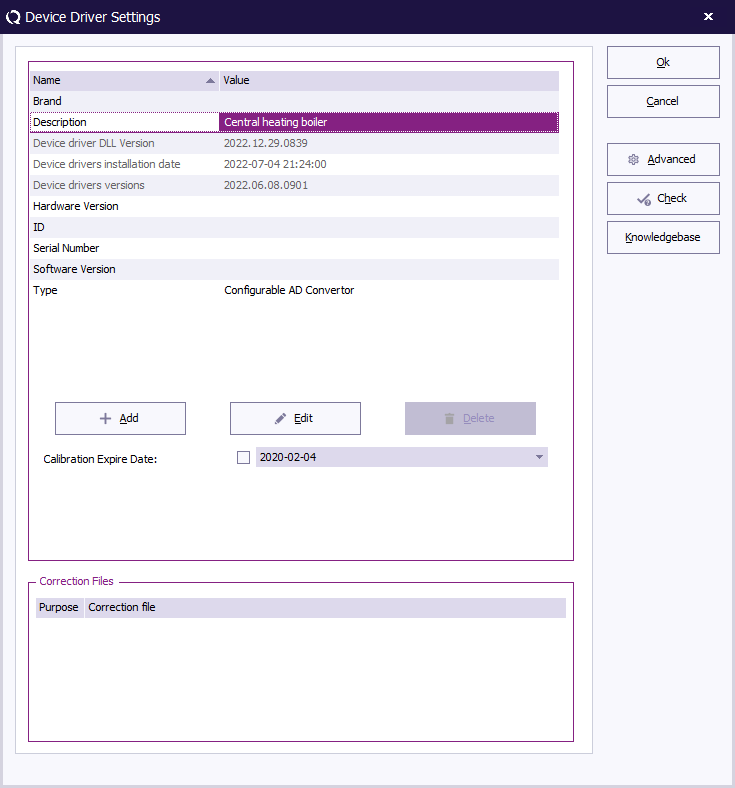
22 KB | Joro | A device driver settings dialog, which shows the information of the Central Heating Boiler. Category:Screenshot | 1 |
| 16:21, 9 January 2023 | RE102 Test layout.png (file) |  |
15 KB | Roge | 4 | |
| 16:02, 23 December 2022 | ResetPanel.png (file) |  |
6 KB | Jeru | 1 | |
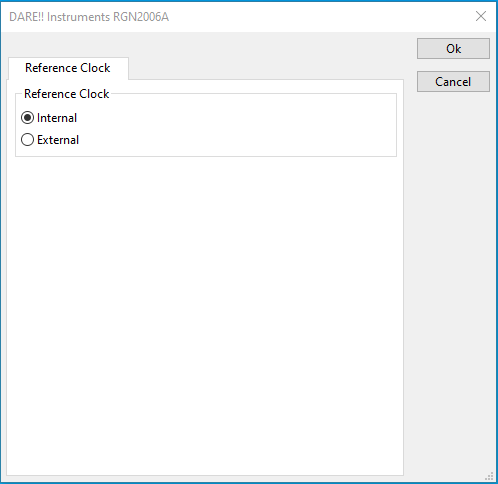
| 16:02, 23 December 2022 | ReferenceClockSettingsPanel.png (file) |  |
6 KB | Jeru | 1 | |
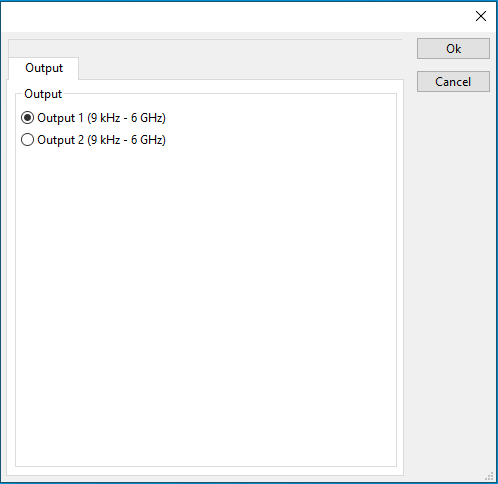
| 16:02, 23 December 2022 | RadiGenOutputSettingsPanel.png (file) |  |
6 KB | Jeru | 1 | |
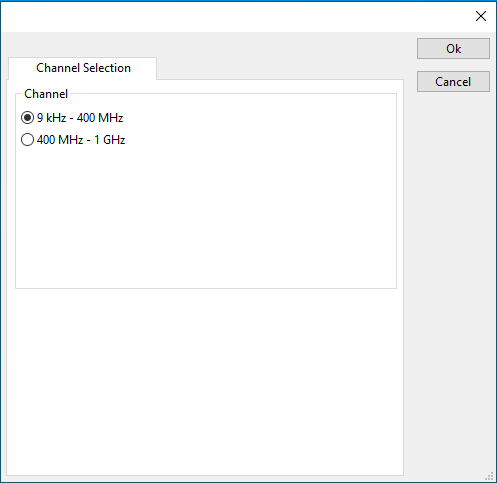
| 16:01, 23 December 2022 | RadiAmpChannelSelectionPanel.png (file) |  |
6 KB | Jeru | 1 | |
| 16:01, 23 December 2022 | PolarizerSettingsPanel.png (file) |  |
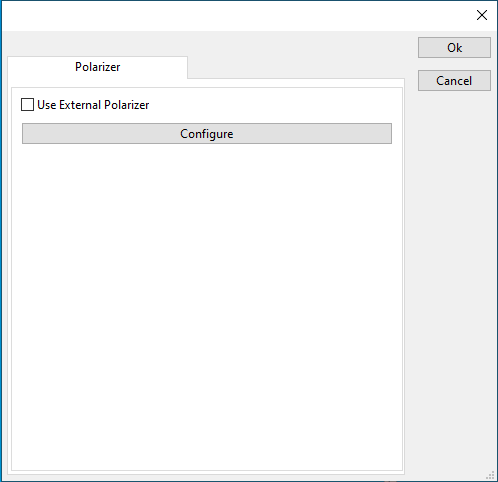
5 KB | Jeru | 1 | |
| 16:01, 23 December 2022 | PolarizerPanel.png (file) |  |
5 KB | Jeru | 1 | |
| 16:01, 23 December 2022 | InjectionDevicePanel.png (file) |  |
4 KB | Jeru | 1 | |
| 16:01, 23 December 2022 | CouplerSettingsPanel.png (file) |  |
5 KB | Jeru | 1 | |
| 16:00, 23 December 2022 | AdvancedAntennaTowerPanel.png (file) |  |
11 KB | Jeru | 1 | |
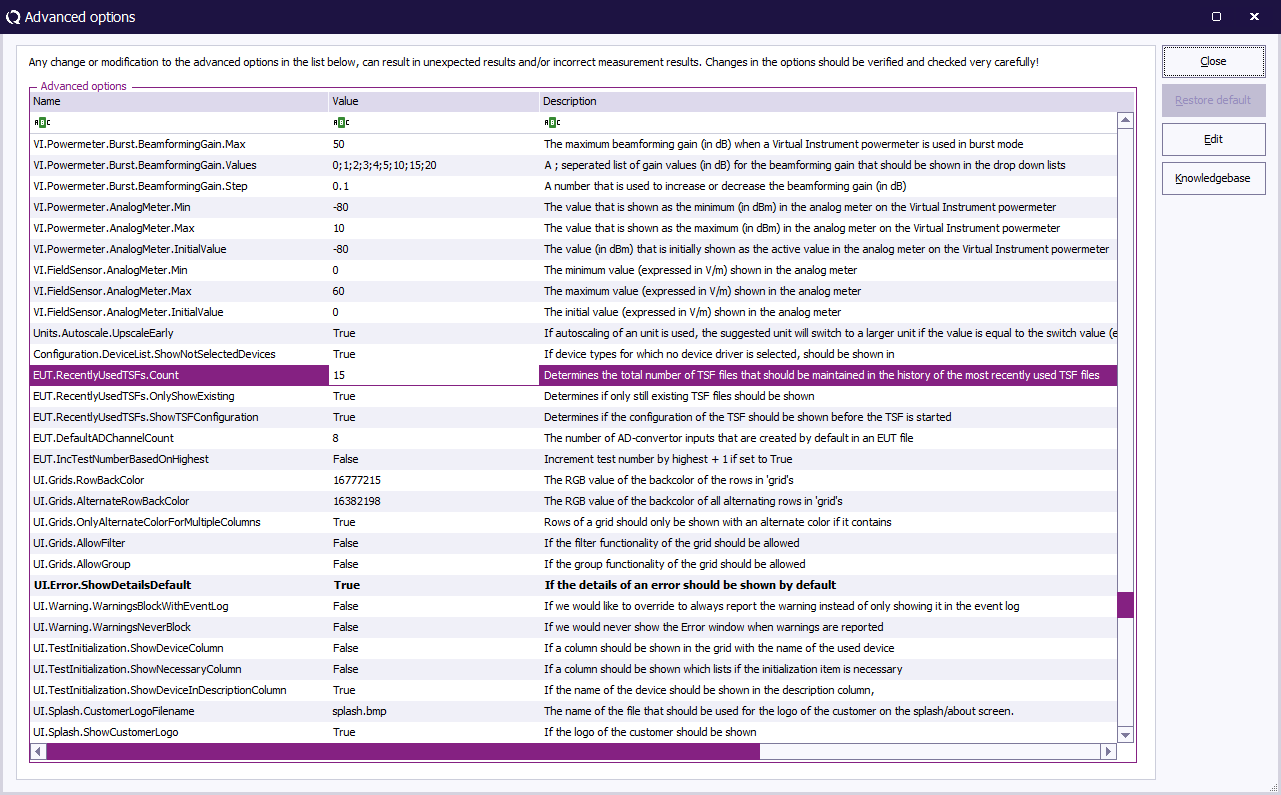
| 10:16, 18 July 2022 | Advanced options.png (file) |  |
74 KB | Joro | 3 | |
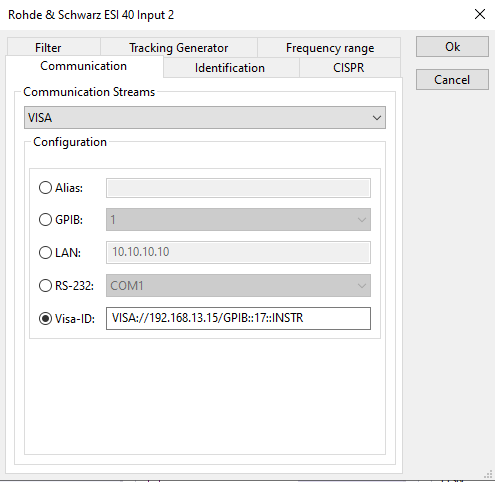
| 12:35, 6 July 2022 | RemoteVISADeviceConfig.png (file) |  |
11 KB | Jeru | 2 | |
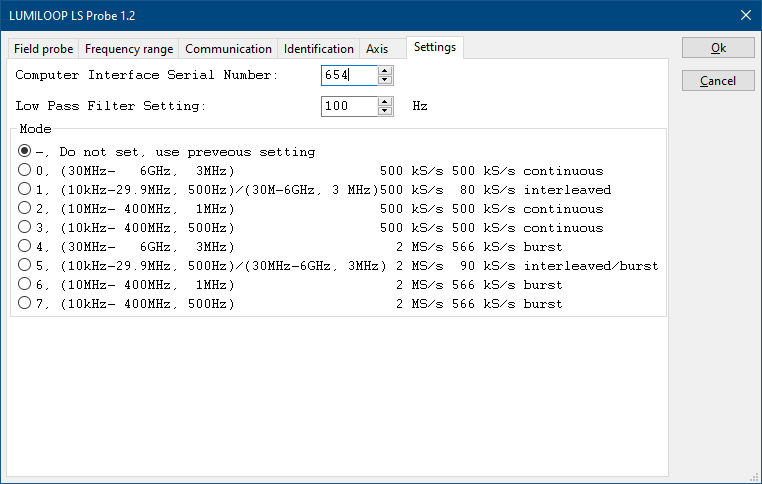
| 09:57, 28 June 2022 | LSProbe1Settings.png (file) |  |
11 KB | Roge | 1 | |
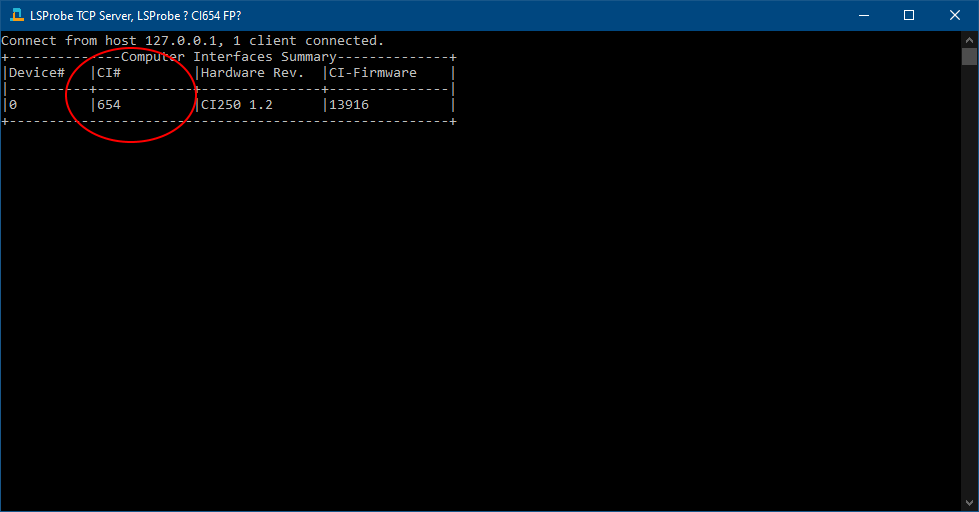
| 09:53, 28 June 2022 | LSProbeTCPServerCI.PNG (file) |  |
9 KB | Roge | 1 | |
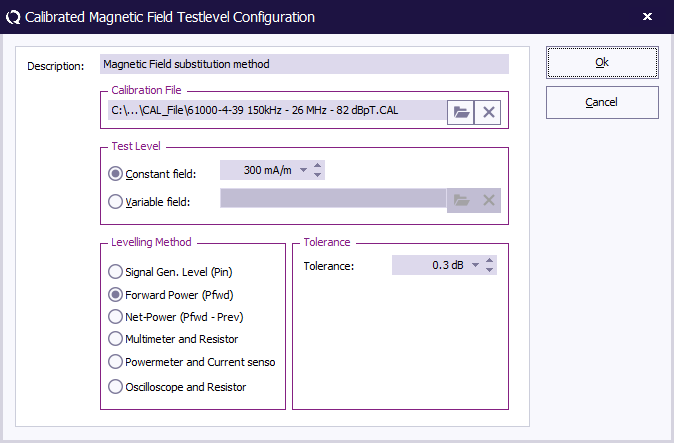
| 14:46, 20 June 2022 | MagneticFieldOnForwardPowerSubstitutionTestlevelConfiguration.png (file) |  |
22 KB | Joro | 2 | |
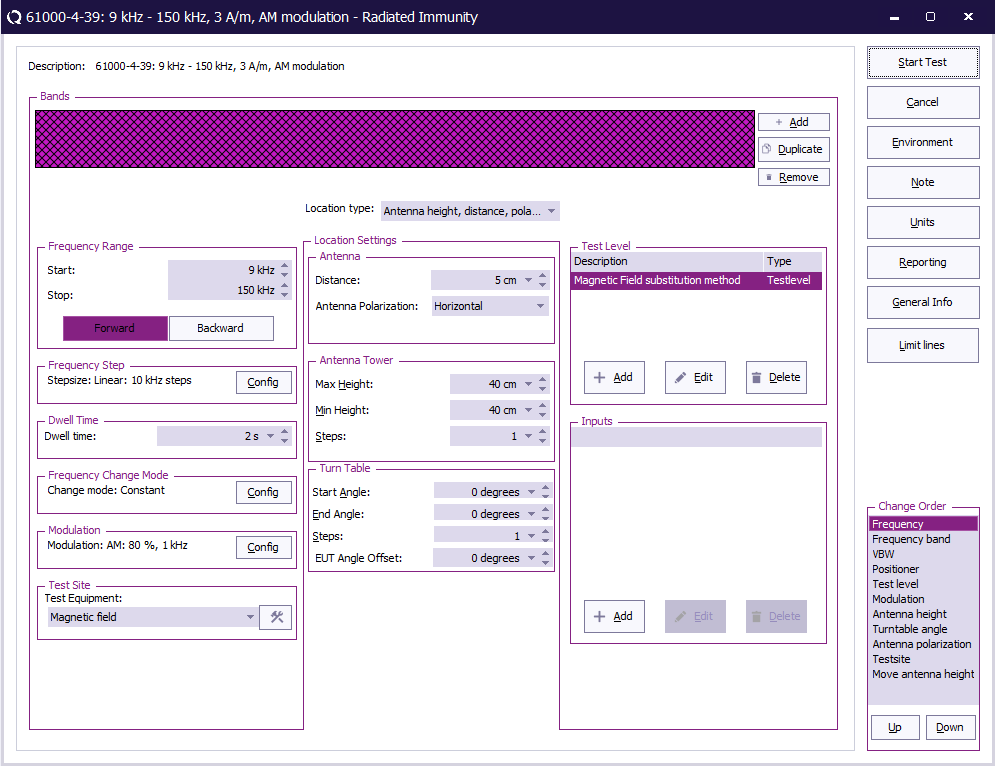
| 14:17, 20 June 2022 | RadiatedImmunityMultibandMagneticOnPowerSubstitutionConfiguration.png (file) |  |
48 KB | Joro | 2 | |
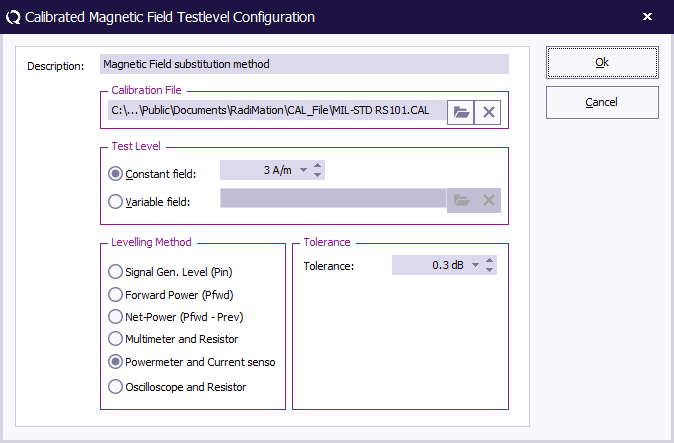
| 13:22, 20 June 2022 | MagneticFieldSubstitutionTestlevelConfiguration.png (file) |  |
22 KB | Joro | Unit is configured in A/m | 2 |
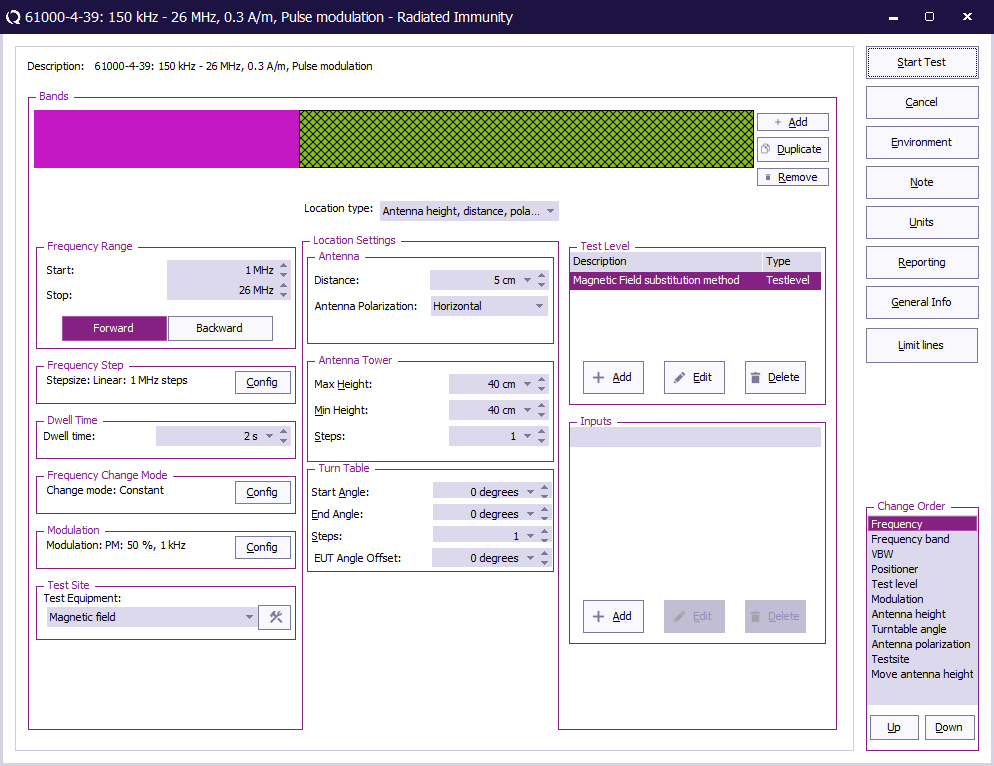
| 13:17, 20 June 2022 | RadiatedImmunityMultibandMagneticSubstitutionConfiguration.png (file) |  |
47 KB | Joro | A testlevel in A/m is specified, and antenna distance is set to 5 cm | 2 |
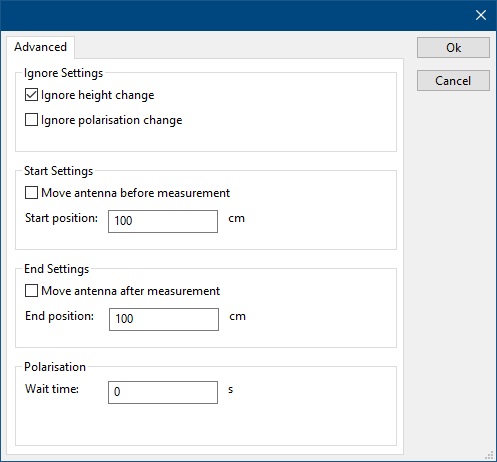
| 09:02, 16 June 2022 | DeviceDriverAntennaTowerAdvanced.png (file) |  |
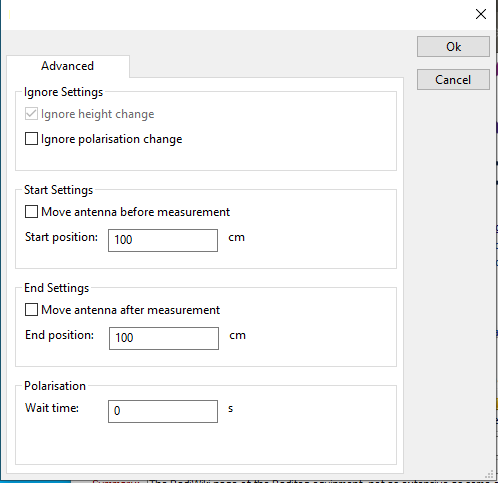
6 KB | Roge | 1 | |
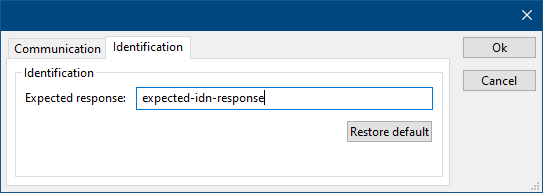
| 08:46, 16 June 2022 | DeviceDriverIdentification.png (file) |  |
3 KB | Roge | 1 | |
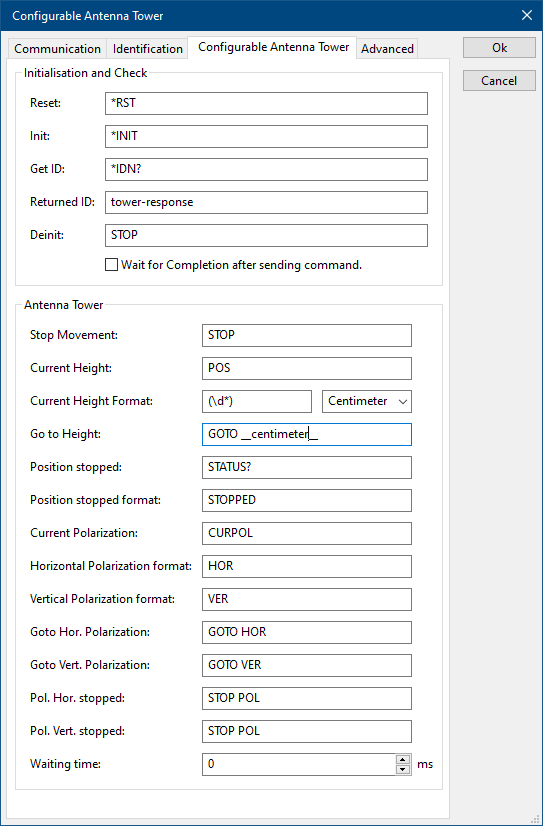
| 13:26, 15 June 2022 | ConfigurableAntennaTowerTab.png (file) |  |
14 KB | Roge | 2 | |
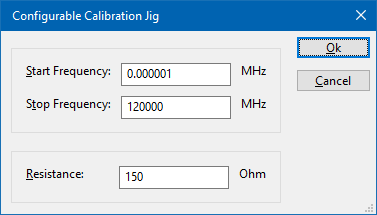
| 11:54, 15 June 2022 | ConfigurableCalibrationJig.png (file) |  |
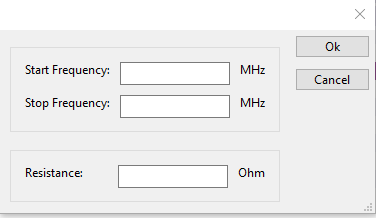
6 KB | Joro | A screenshot of the Configurable Calibration Jig device driver. It shows the following settings: * {{ScreenElement|Start Frequency}}: 1 Hz * {{ScreenElement|Stop Frequency}}: 120 GHz * {{ScreenElement|Resistance}}: 150 Ohm | 1 |
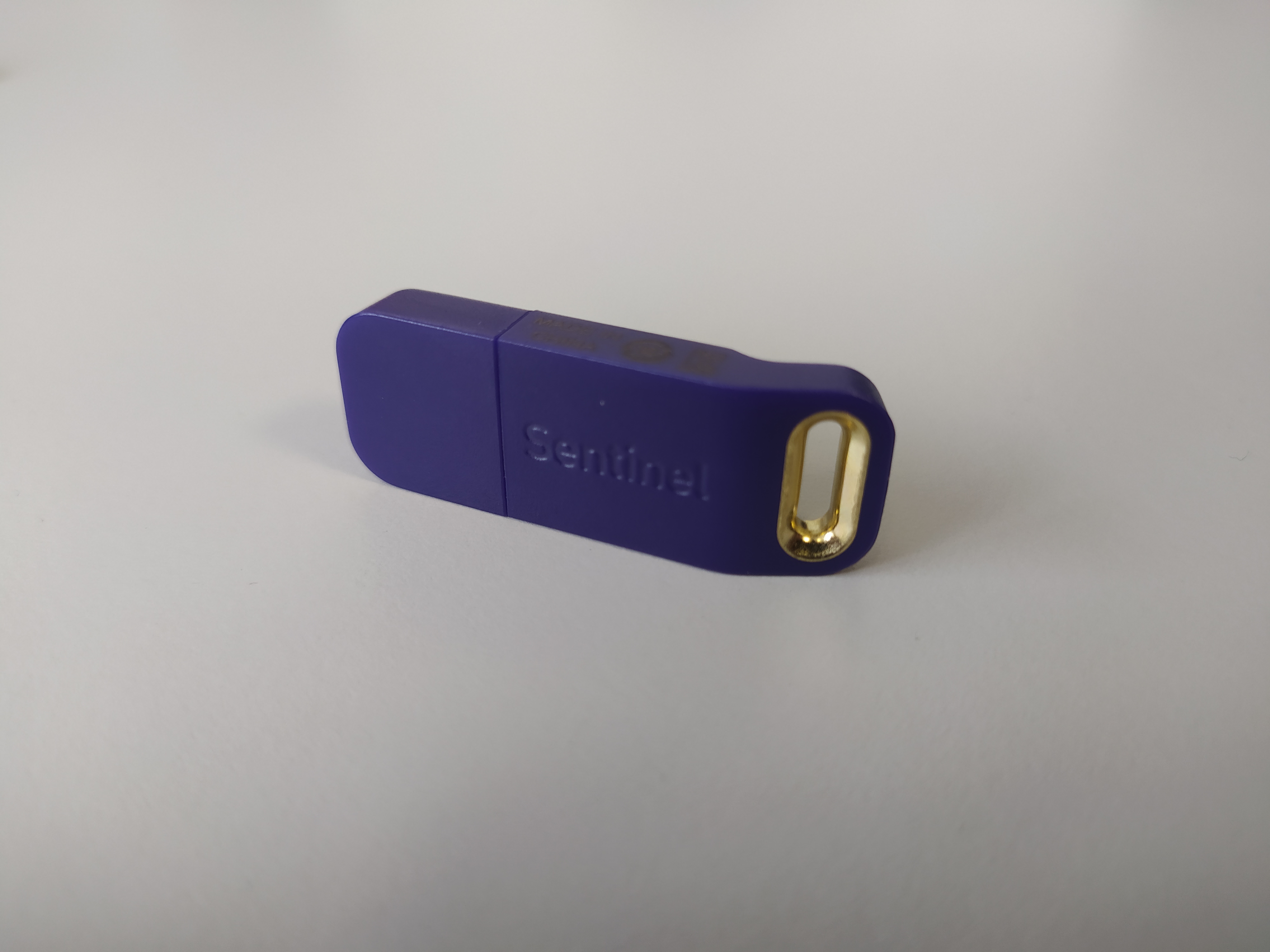
| 11:40, 24 May 2022 | Dongle-keyhanger.jpg (file) |  |
2.27 MB | Jeru | 2 | |
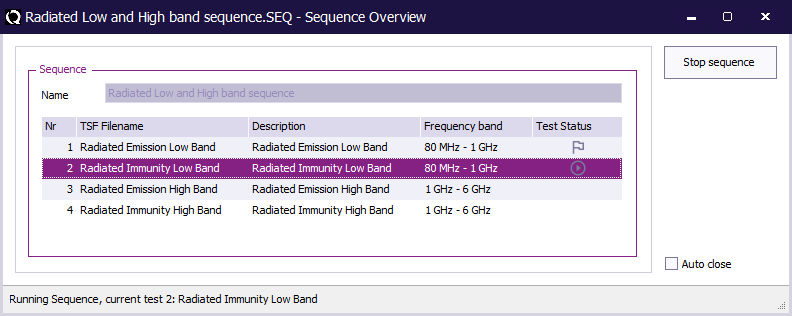
| 10:22, 20 May 2022 | Sequence overview.png (file) |  |
15 KB | Joro | 2 | |
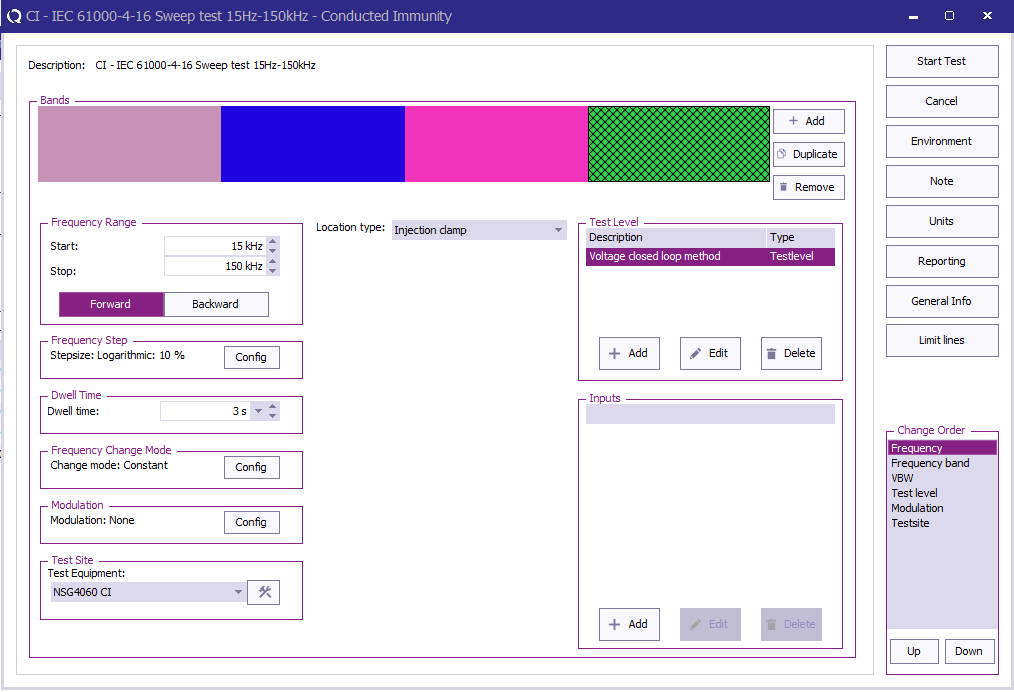
| 09:09, 14 April 2022 | NSG4060TSConfig.PNG (file) |  |
39 KB | Jeru | 2 | |
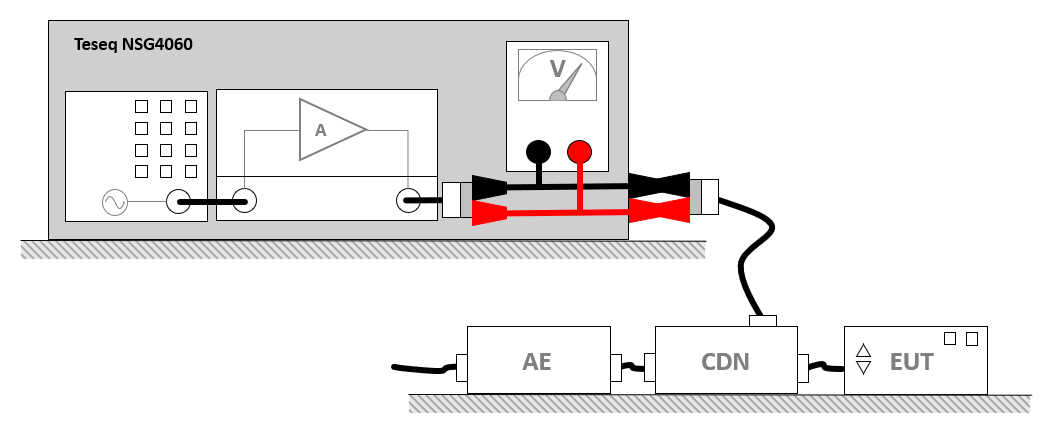
| 08:08, 14 April 2022 | TeseqNSG4060LowFrequencySetup.png (file) |  |
27 KB | Joro | Shows the setup for a IEC 61000-4-19 measurement using a Teseq NSG4060. | 1 |
| 07:56, 14 April 2022 | NSG4060VoltageTestLevelConfig.PNG (file) |  |
11 KB | Jeru | 1 | |
| 16:30, 13 April 2022 | NSG4060TestSite.PNG (file) |  |
23 KB | Jeru | Highlight multimeter | 2 |